
Explore the features that come with The Appointment Booking Solutions
Discover what we have to offer for your business, whether it’s small or big – it doesn’t matter!
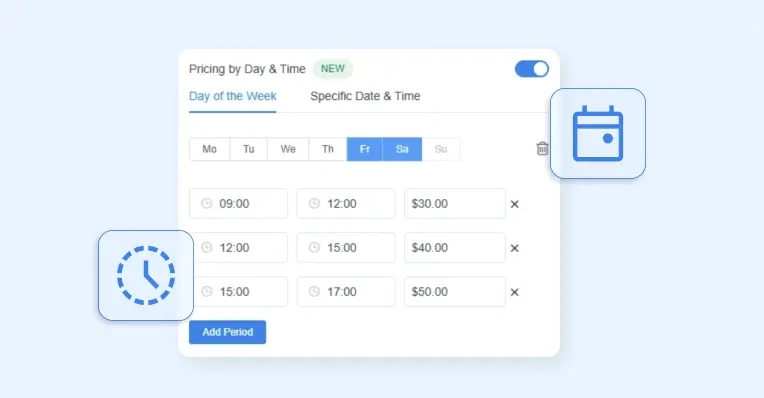
Pricing by Date & Time
Set different prices for specific days, dates, or time periods, so your rates automatically match demand throughout the week.
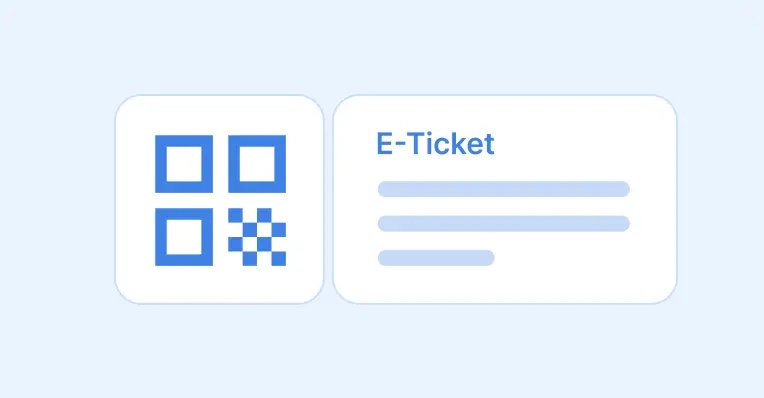
E-tickets QR Code For Events
Provide every attendee with a unique QR code ticket that can be scanned on-site for quick, secure entry and effortless check-in management.
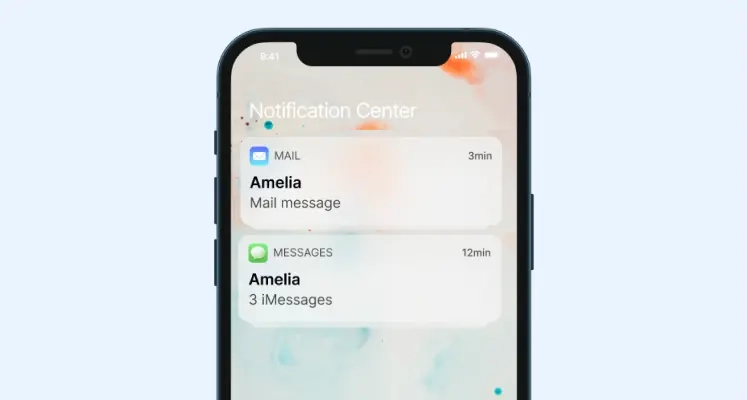
Automated notifications and reminders
Be in instant touch with your customers and employees - communicate with them through SMS and email text messages.
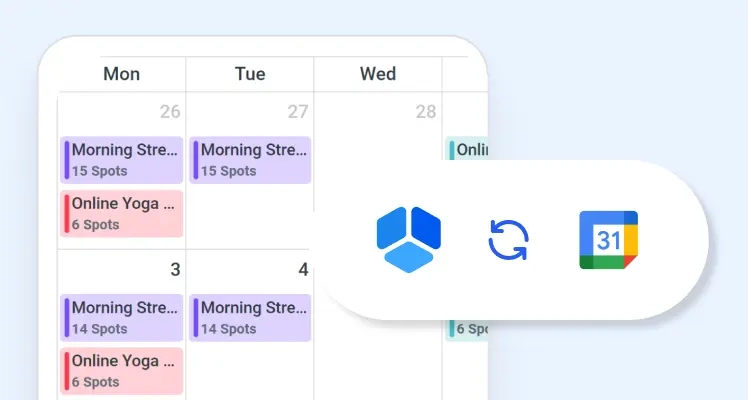
Google Calendar Synchronization
Google Calendar is a time-management and scheduling calendar service developed by Google. It allows users to create and edit events.
Online Payment Integrations
With online payment integrations like PayPal, Mollie, RazorPay, Stripe, Senangpay and WooCommerce, your customers can enjoy secure and convenient payment options while shopping online, ensuring a smooth checkout process and peace of mind during transactions.
Woocommerce Integration
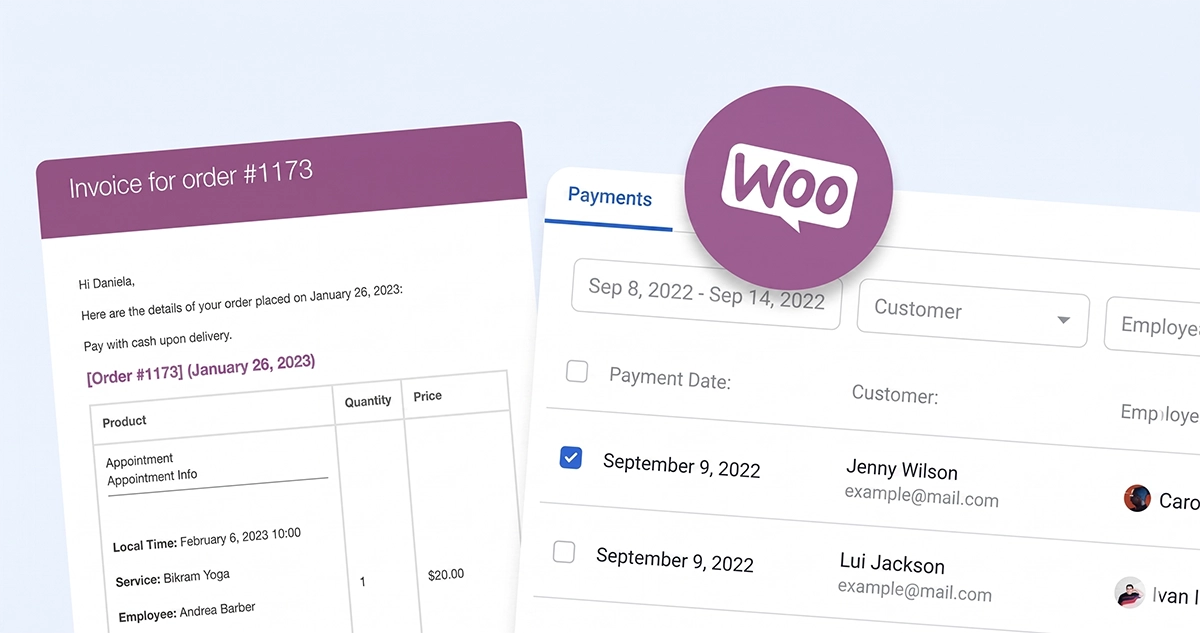
Take care of all your payments, taxes and invoices by using native WooCommerce integration.
Events
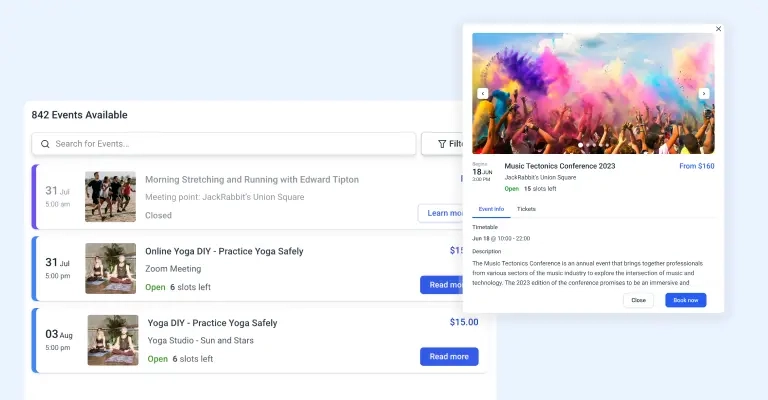
Configure one-off or repeating events like conferences, classes, meetups, concerts, or anything else - provide a smooth and easy front-end booking interface and a comprehensive attendance management in the back-end!
Custom Fields for booking forms
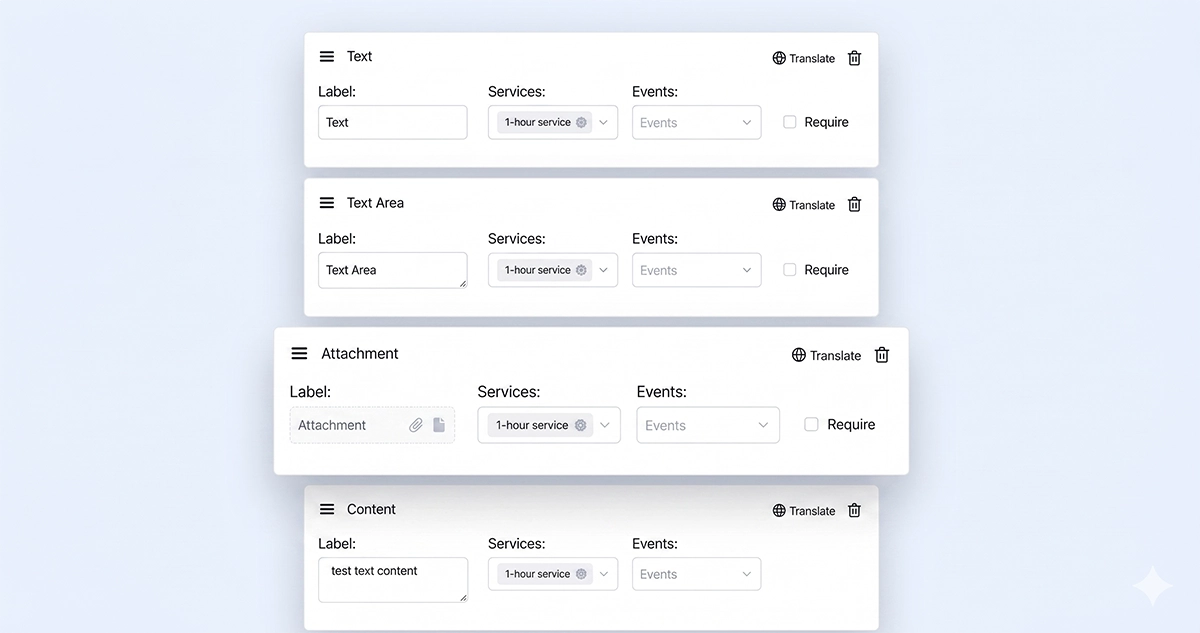
Construct the booking form to match your business best - configure the custom fields (checkboxes, textareas, etc.) to collect any additional necessary information from your customers.
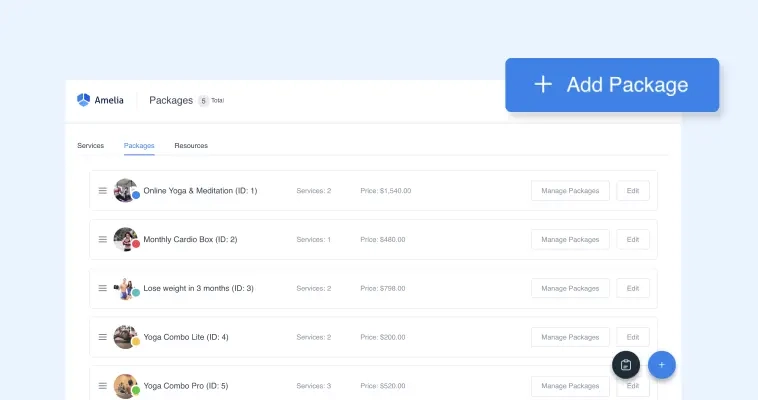
Packages of Services
Encourage your customers to buy more by bundling single or multiple services in a package of appointments. You can set the price for the whole package so your customers can have a discount when purchasing the package of services.

Native Zoom integration
In a few clicks, you can connect your Zoom account with our appointment booking solutions. Now your customers can book online appointments and events, and get a link to access them in the notification.

Google Meet integration
Let your customers schedule online virtual meetings and book online events while getting instant confirmation and access links in the notifications for Google meet.
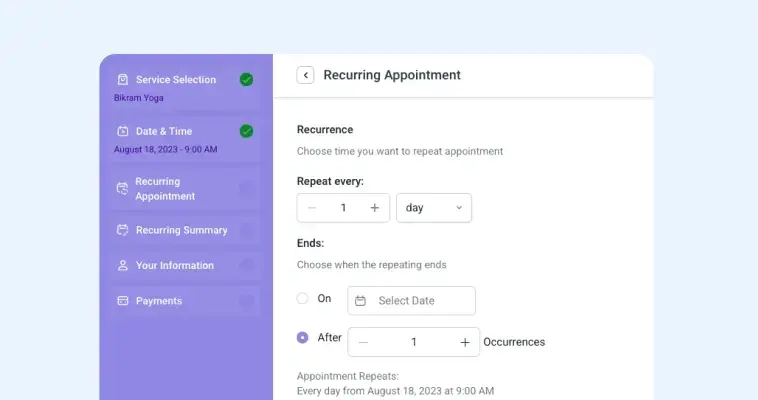
Recurring appointments
Make sure your customers will become your returning customers by letting them schedule recurring appointments. Choose whether your appointment recurrence is daily, weekly, monthly or yearly. Maintain your customers satisfied on regular-basis.
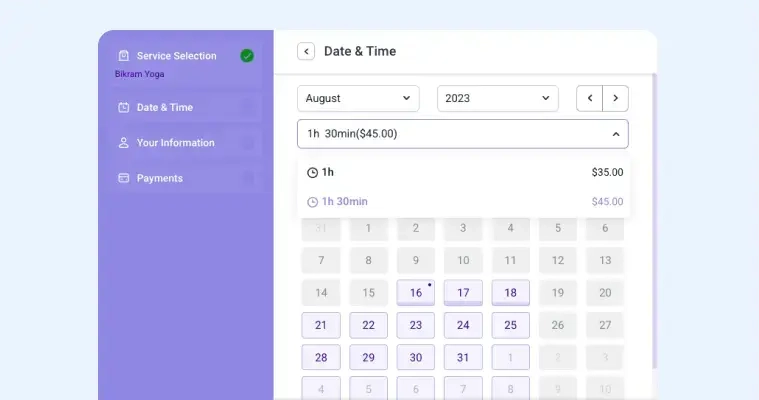
custom service duration
Create multiple durations for a single service and set prices for each service duration. When booking appointments, your customers will be able to choose from predefined durations, and see prices and available time slots.
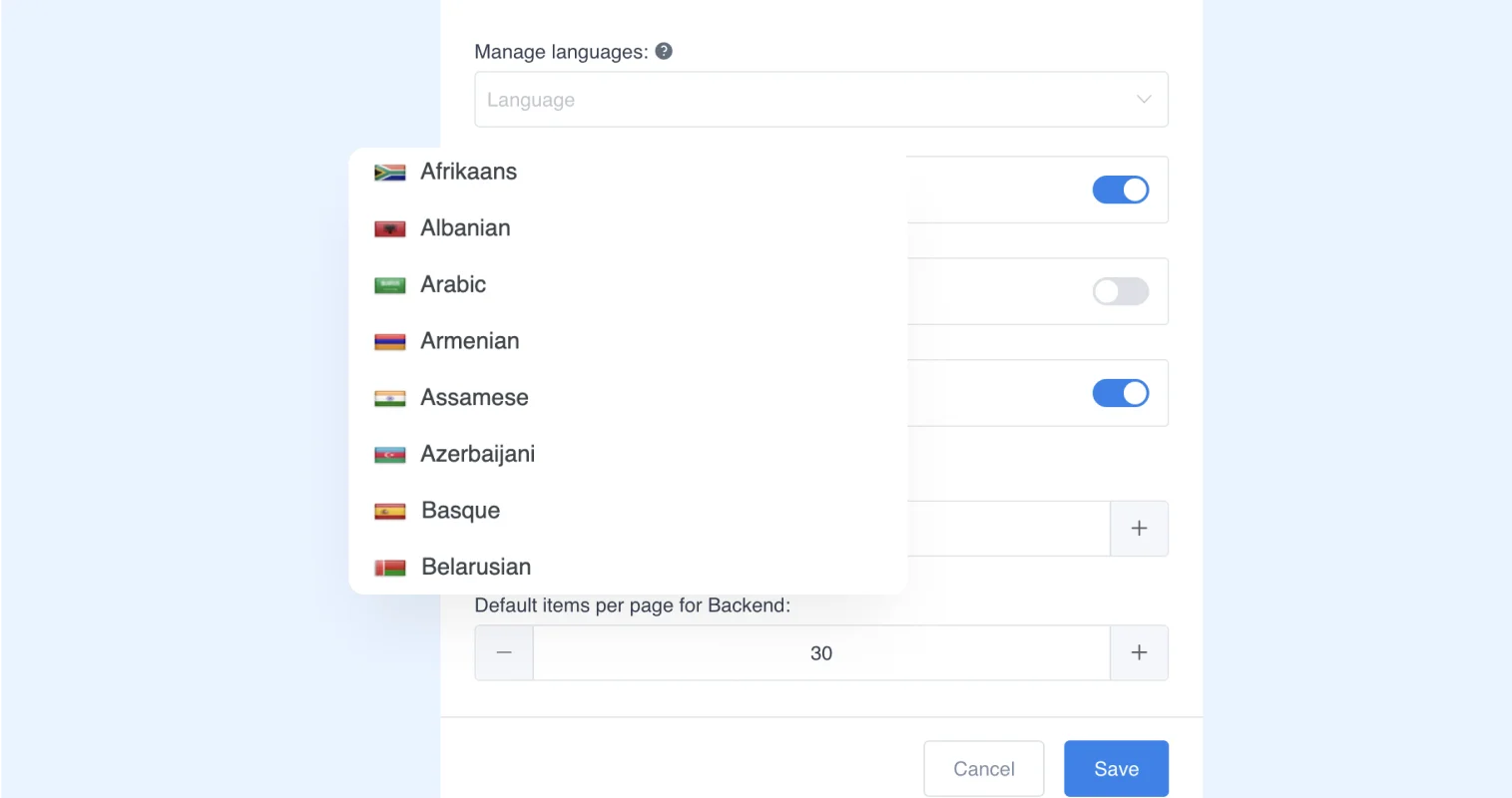
Multilingual support
Our Appointment Booking Solutions is currently translated into more than 20 languages, but you can easily translate all the strings into any language in the world and offer your customers booking in multiple languages.
E-tickets QR Code For Events
Provide every attendee with a unique QR code ticket that can be scanned on-site for quick, secure entry and effortless check-in management.
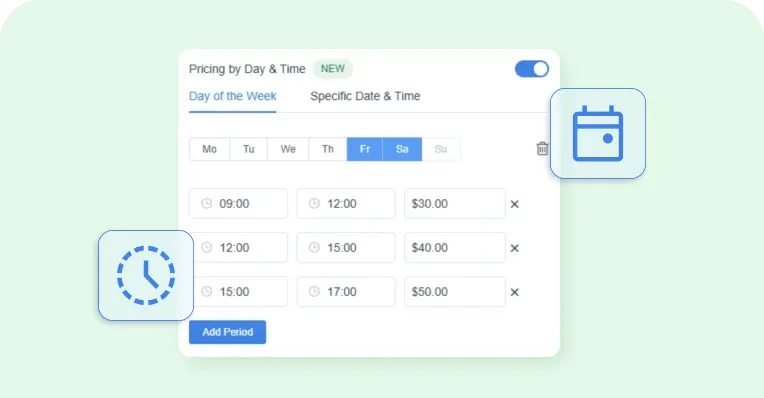
Pricing by Date & Time
Set different prices for specific days, dates, or time periods, so your rates automatically match demand throughout the week.
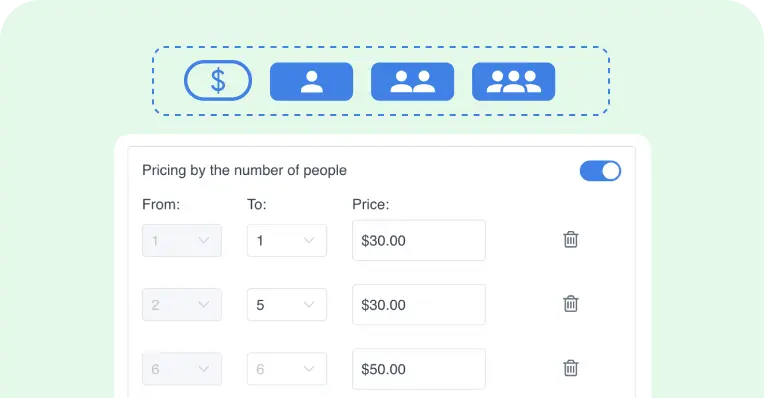
Pricing by the number of people
Offer flexible service pricing that automatically adjusts based on the number of people attending the appointment.
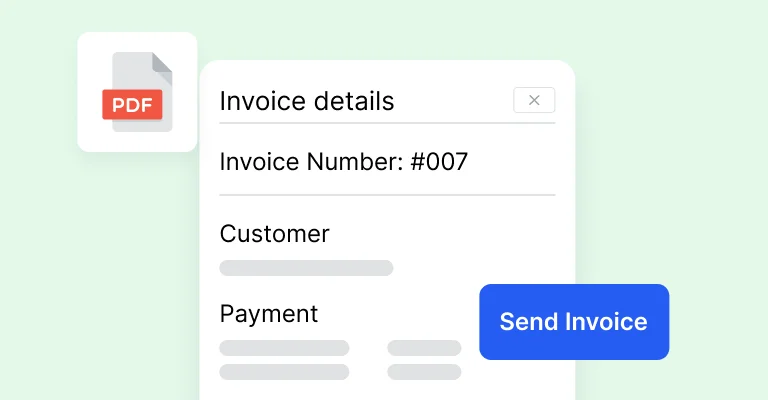
Invoices
Automatically generate invoices for bookings to streamline payments and enhance the client experience.
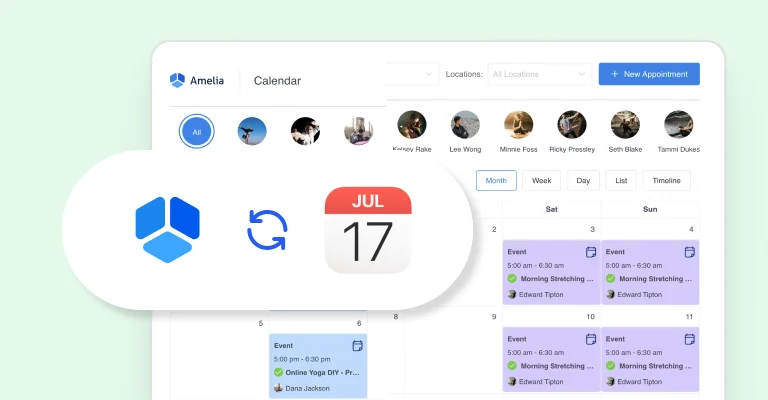
Apple Calendar Synchronization
Connect your Apple Calendar to seamlessly sync your appointments booking and events, ensuring your calendar availability stays up-to-date.
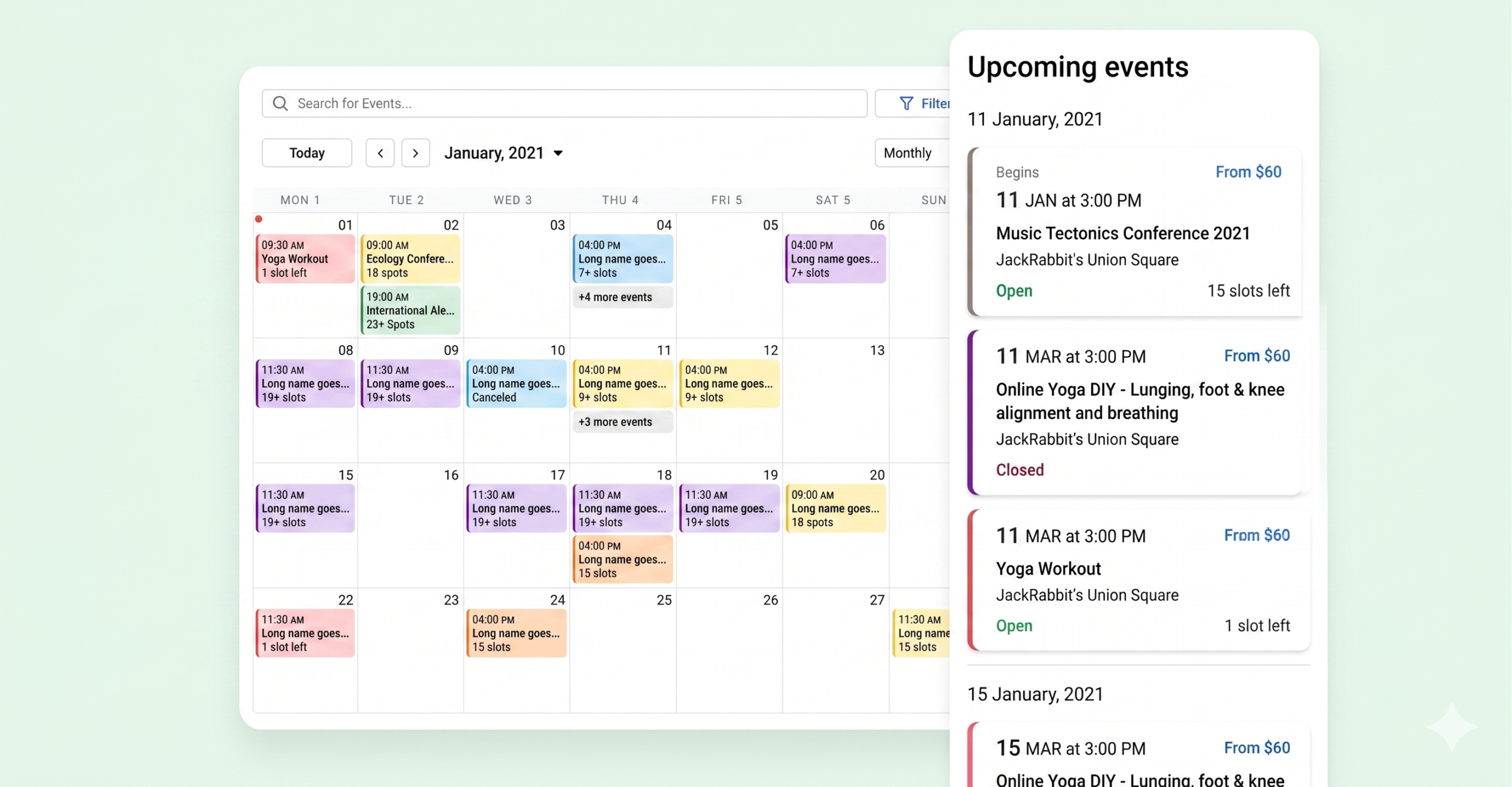
Redesigned Event Calendar 2.0
Streamlined event booking experience for your customers by new redesigned Event Calendar.
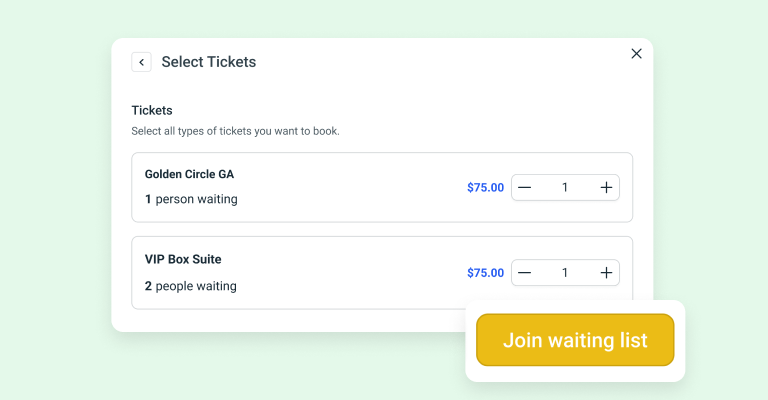
Event Waiting List
Allow customers to join a waiting list and hold their spot until openings become available.
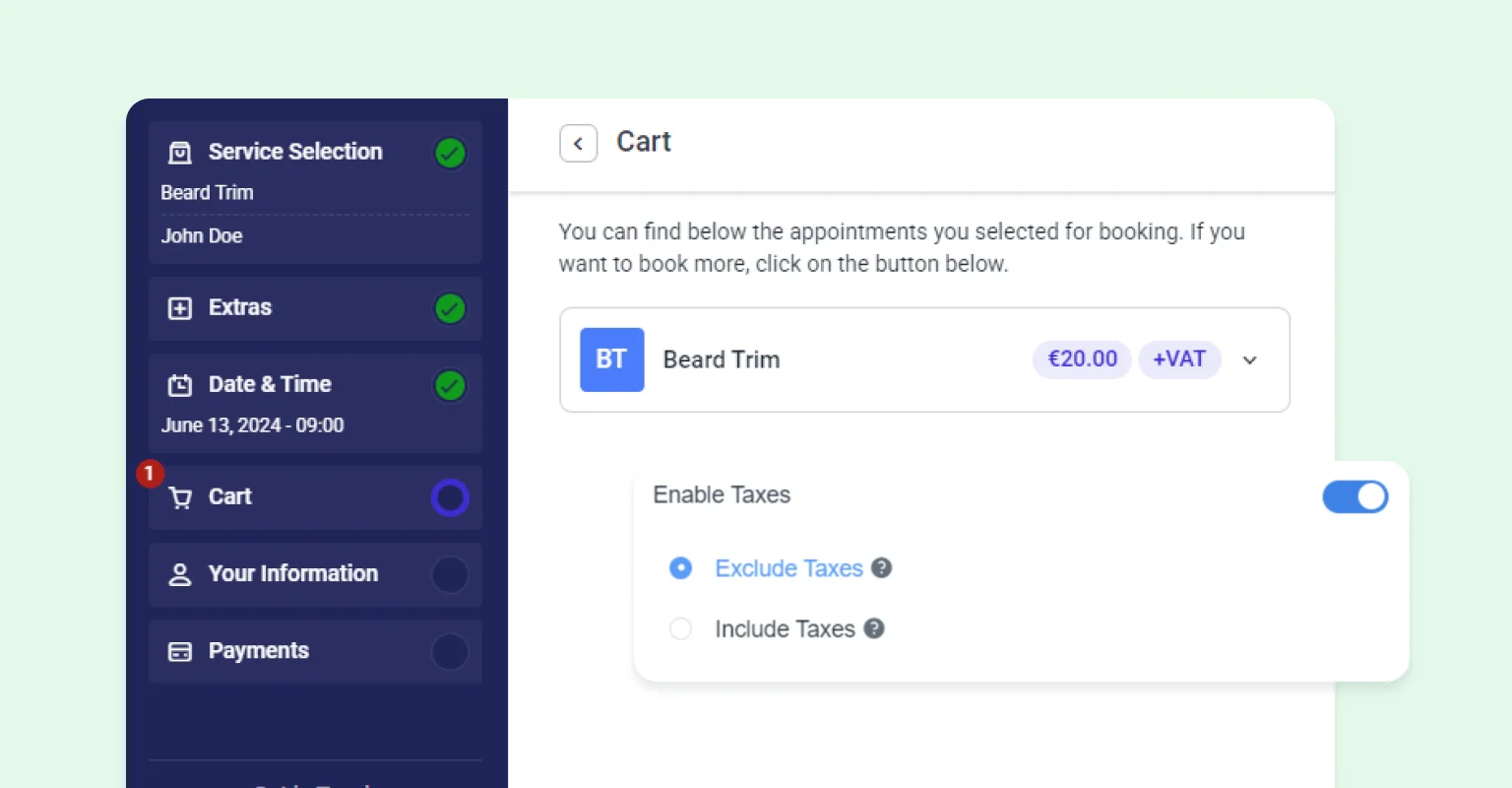
Tax Feature
Automatically calculate and apply taxes to your services and events, ensuring compliance and accurate billing without the hassle.
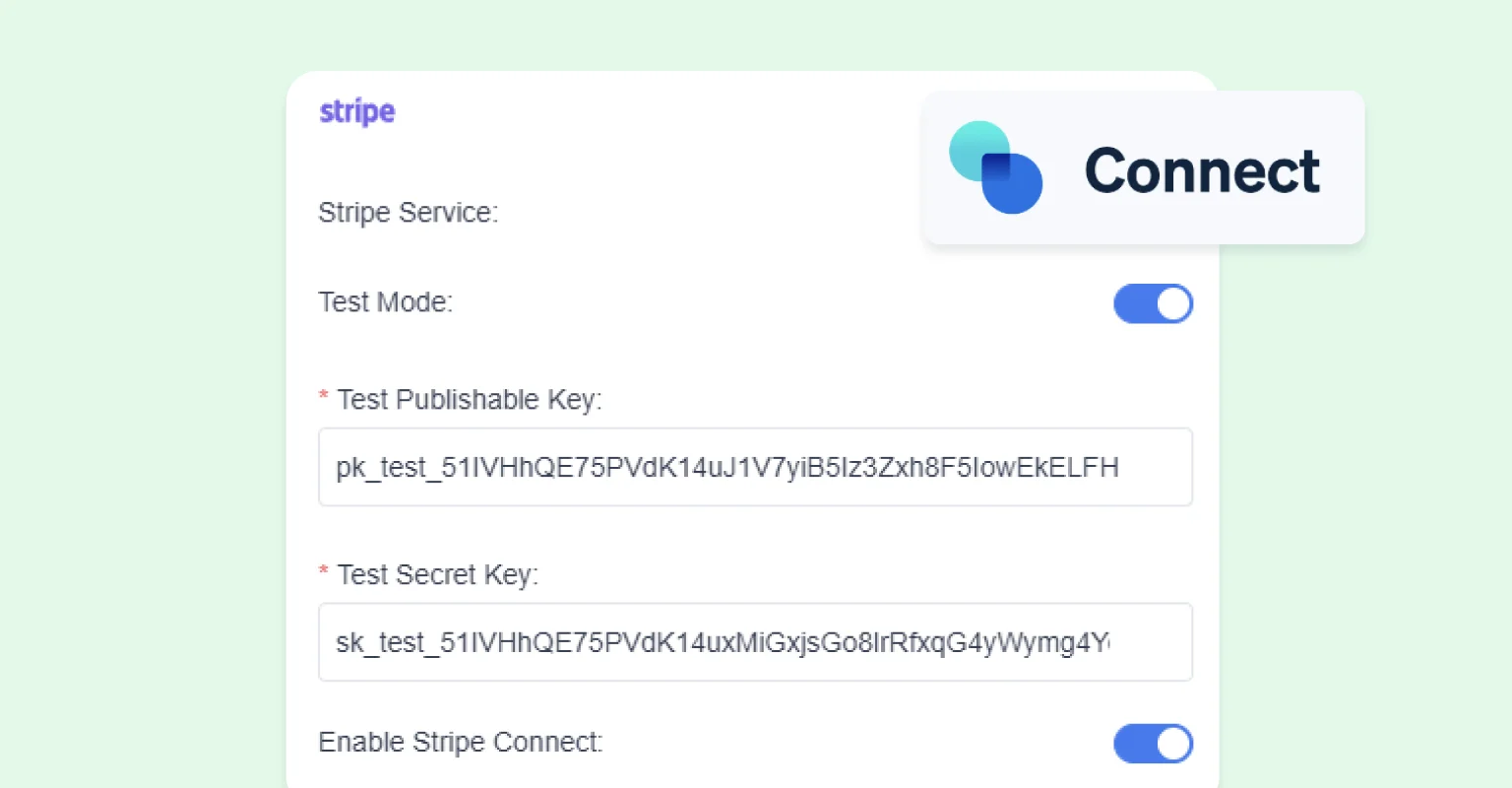
Stripe Connect Integration
Enjoy seamless payment processing with our Stripe Connect integration, making it easier for you to manage transactions and payouts.
Square Integration
Simplify your transaction management with our Square integration, offering a reliable and efficient payment method for your services and events.
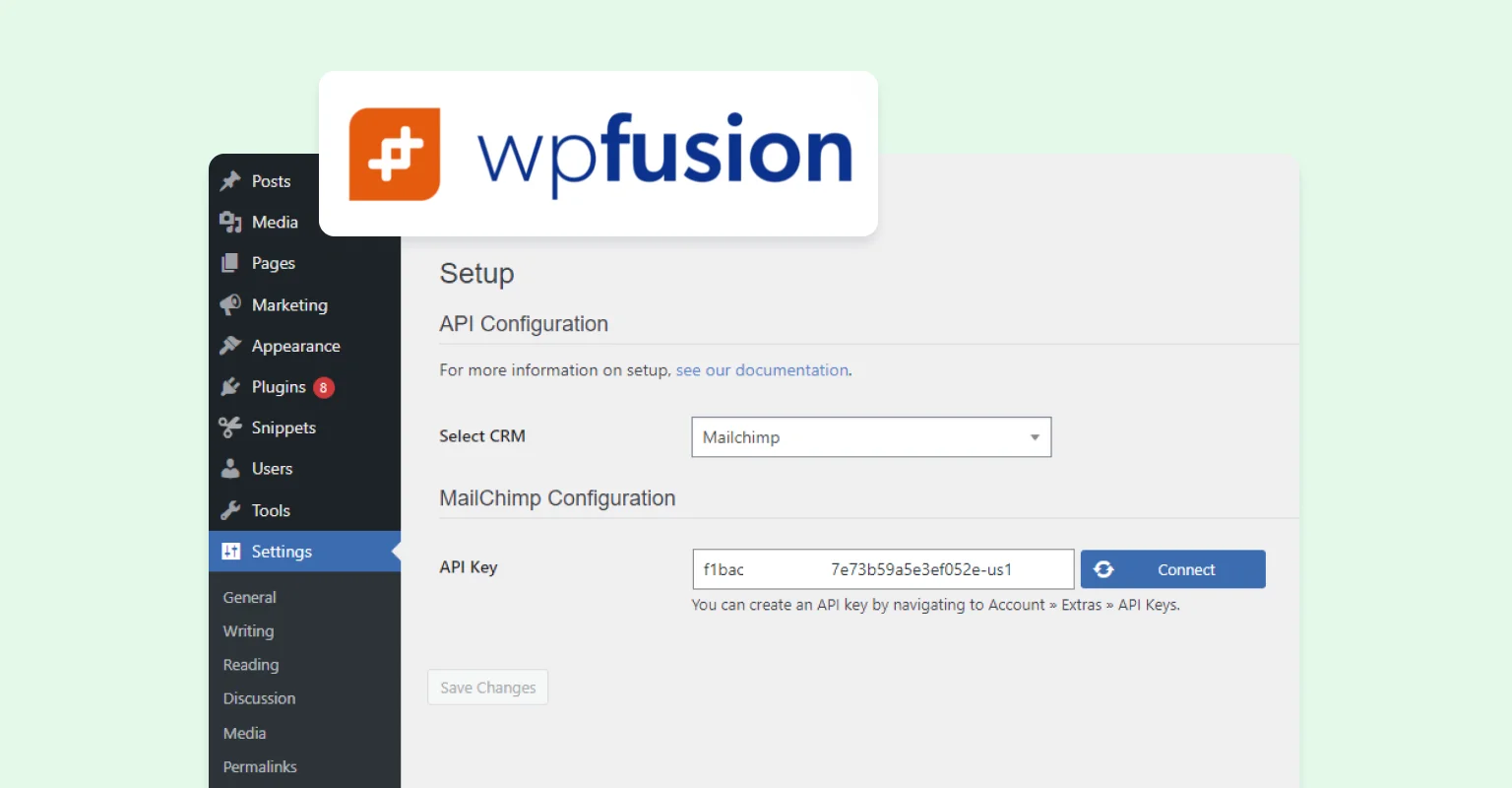
WPFusion Integration
Sync your appointment bookings with over 50 CRMs and marketing platforms using WP Fusion.
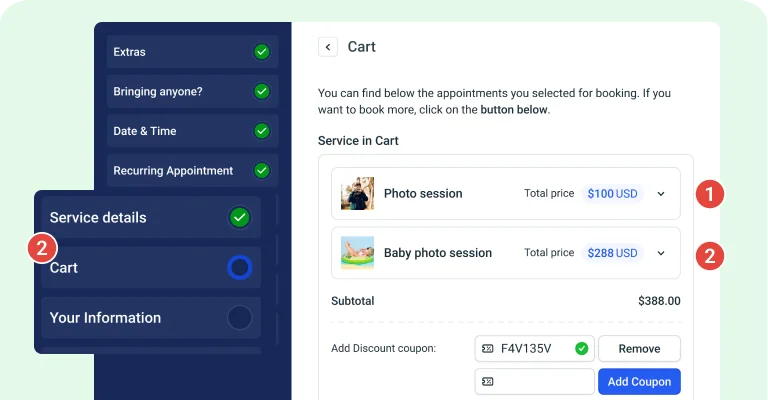
Cart Feature
Enabling the Cart feature enables customers to book multiple services within a single booking process. They can modify their selection by deleting or editing services and choose different dates, times, employees, and locations (if available).
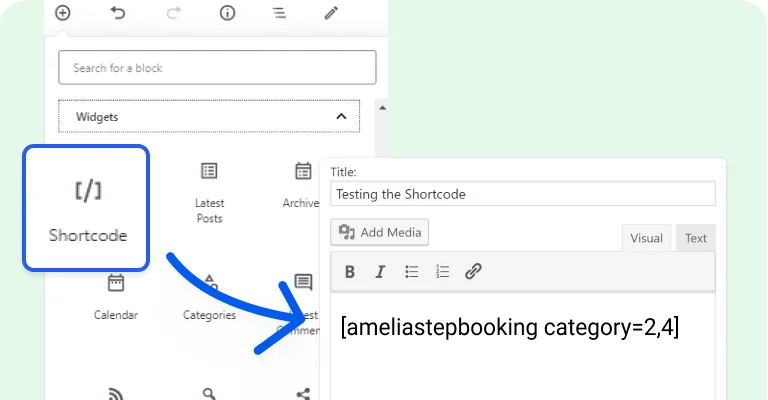
Multiple selections in shortcode
With the new Step-by-step and Catalog booking forms, you can choose multiple categories, services, packages, employees, or locations in a single webpage.
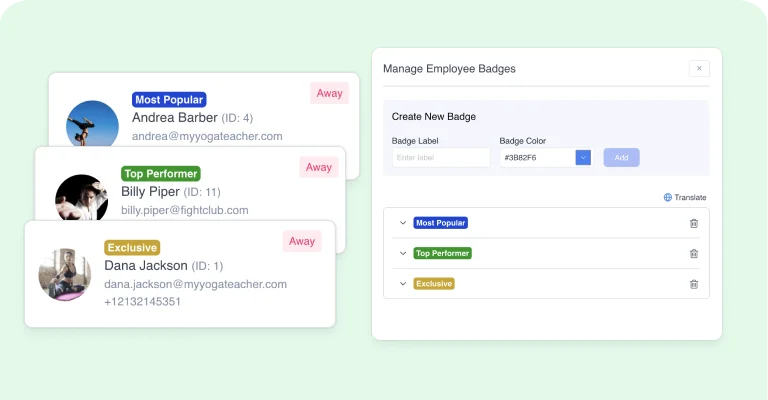
Employee Badge
Enhance your booking experience with customizable badges, adding a professional touch and reinforcing your brand identity. These badges not only showcase your commitment to exceptional service but also provide a quick and easy way for clients to identify and trust your dedicated team.
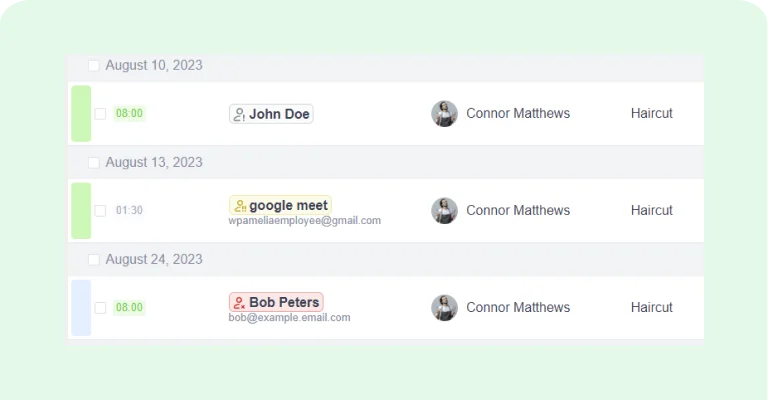
No-show customers tag
If activated, the no-show tag identifies customers who have missed their appointments, flagging them within the Appointments and Customer's profile sections. The tag color—gray, yellow, or red—reflects the frequency of missed appointments: once, twice, or three or more times.
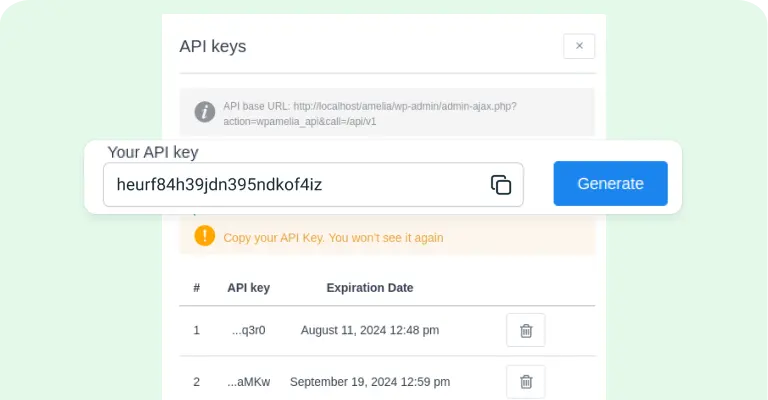
REST APIs management
Unlock the potential of our REST APIs with a developer license, empowering you to extend integrations and customize the booking process to your unique needs.
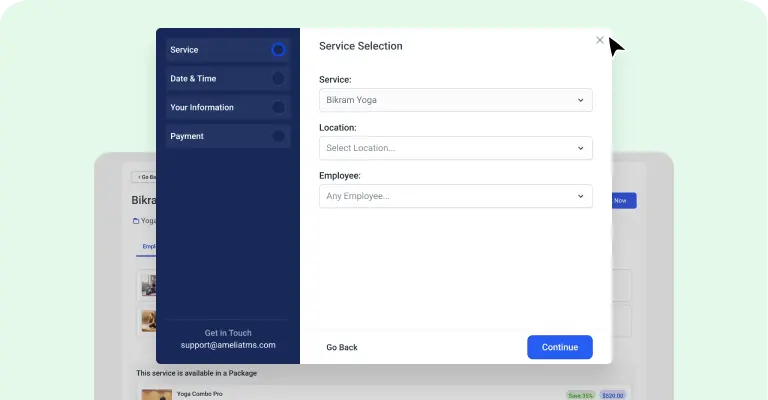
Built-in Popup
Now, you have the ability to choose whether you want your booking forms to appear on a page or in the convenient built-in appointment booking popup view, giving you full control over your booking experience.
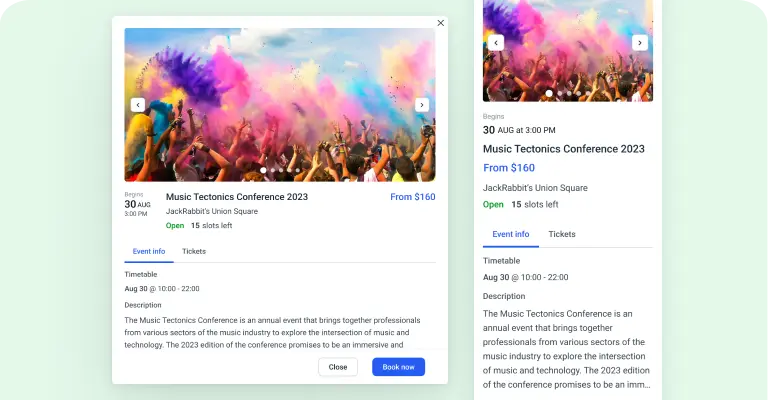
Event List 2.0 Booking Form
The new Event List 2.0 booking form offers customers a comprehensive overview of upcoming events and seamless ticket reservations, including various ticket types.
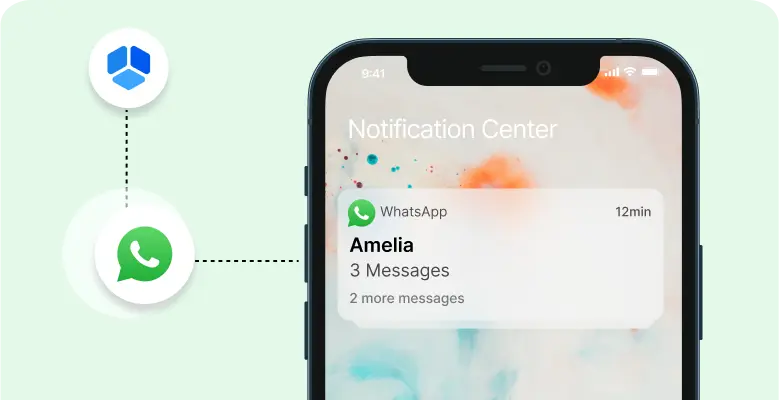
WhatsApp integration
WhatsApp integration allows you to send your customers and employees notifications about upcoming appointments and events through WhatsApp.
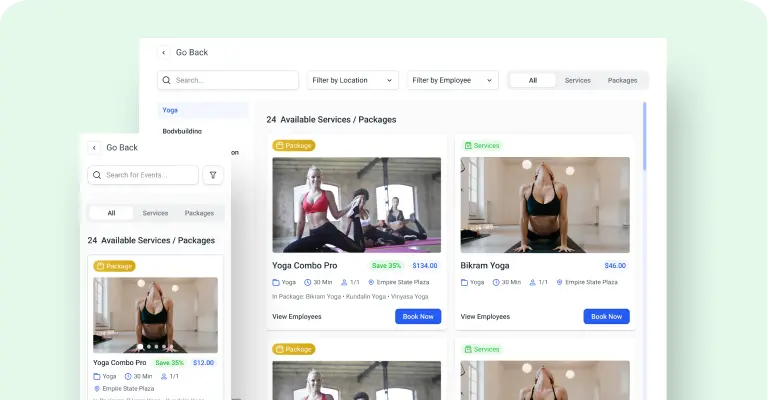
Catalog 2.0 Booking Form
The new simpler and more intuitive catalog form makes it easier for your customers to search for services within certain categories.
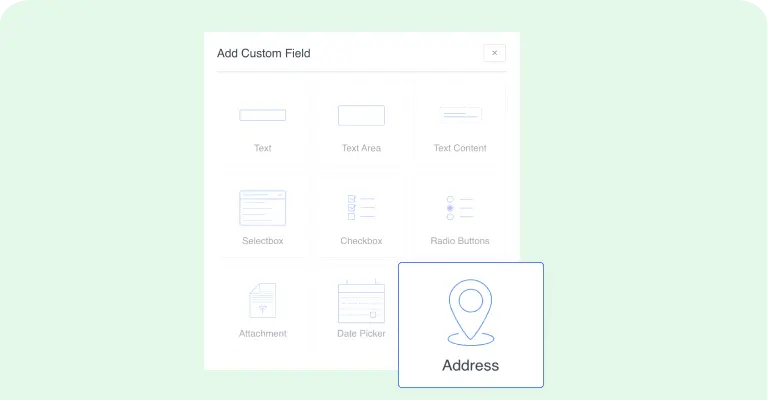
Address Custom Fields
Our forms now offer Address Custom Field, where customers can enter their address that is linked to Google Maps, so it is easier to find the location where you will provide your service.
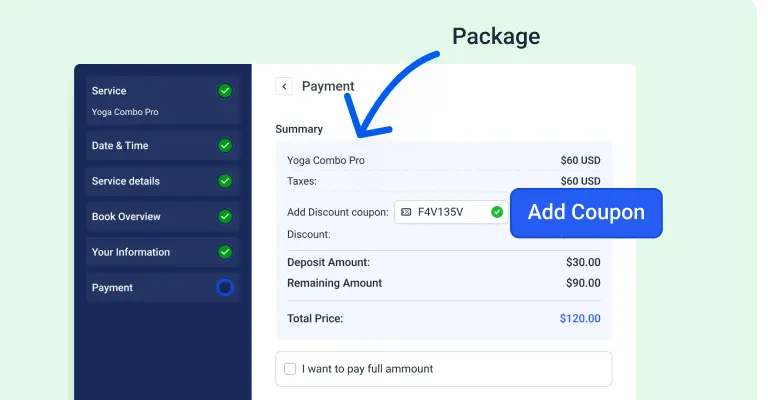
Coupons for packages
Provide your customers with unique discount codes that can be redeemed during the booking process. Boost customer engagement and satisfaction by offering attractive deals!
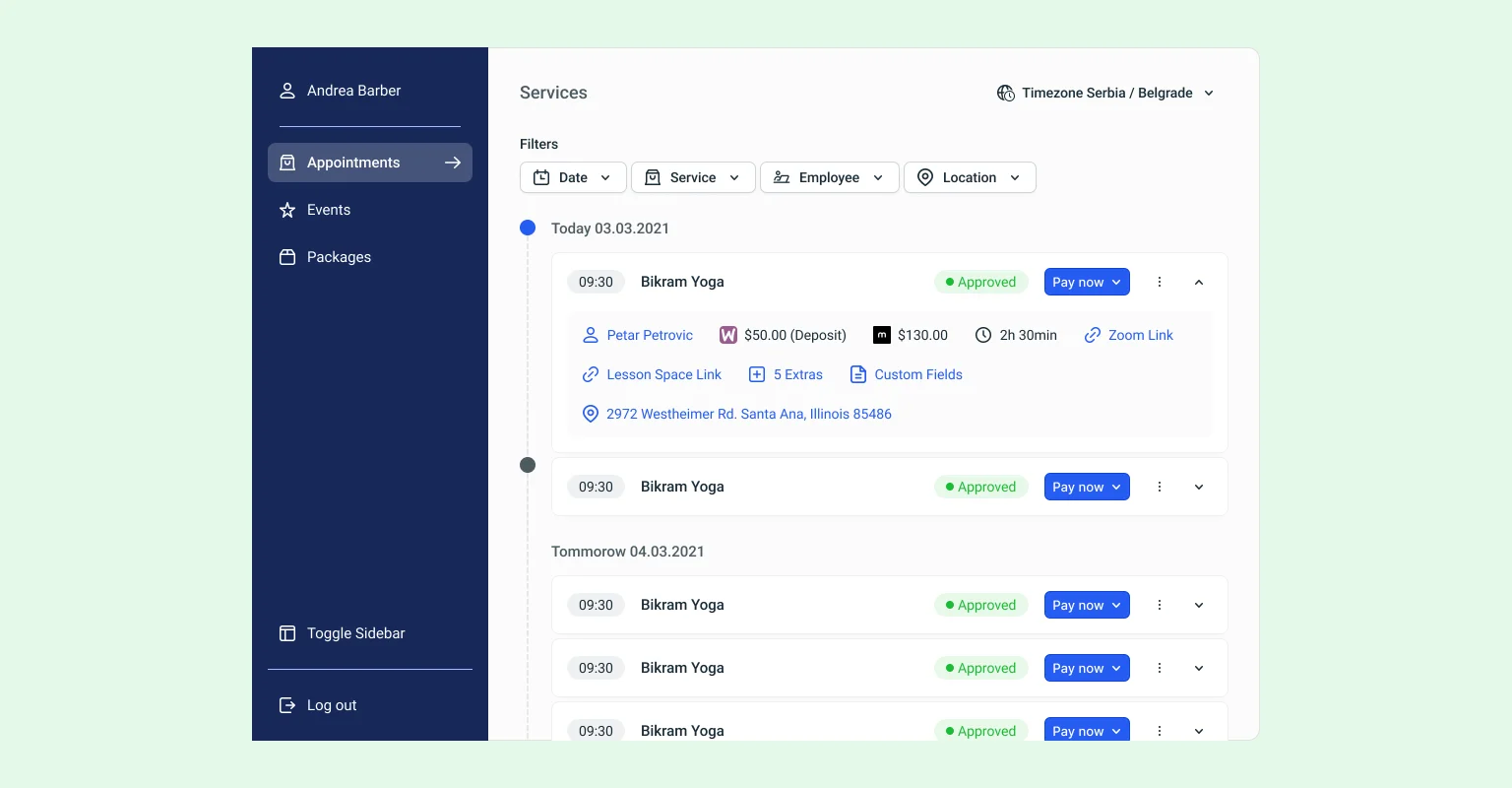
Customer Panel 2.0
The redesigned customer panel offers easy appointment and event management directly on the website, with enhanced profile features for seamless use.
Microsoft Teams Integration
Enable your customers to schedule online virtual meetings and book events effortlessly, with instant confirmation and access links provided in the notifications for Microsoft Teams.
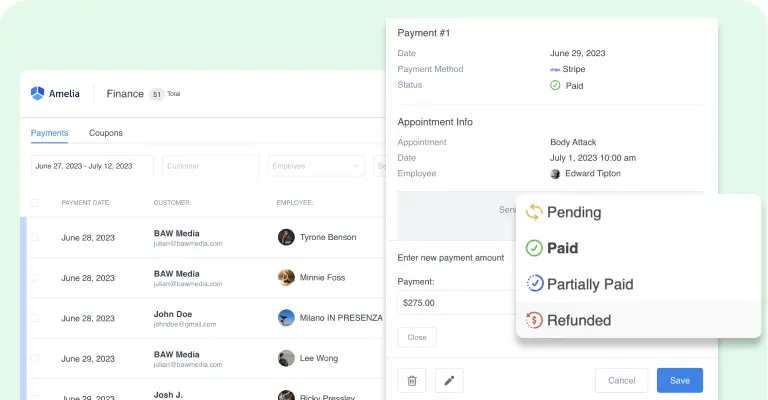
Refund Option
Simplify the refund process by automatically initiating and processing refunds for customers, ensuring a seamless and hassle-free experience.
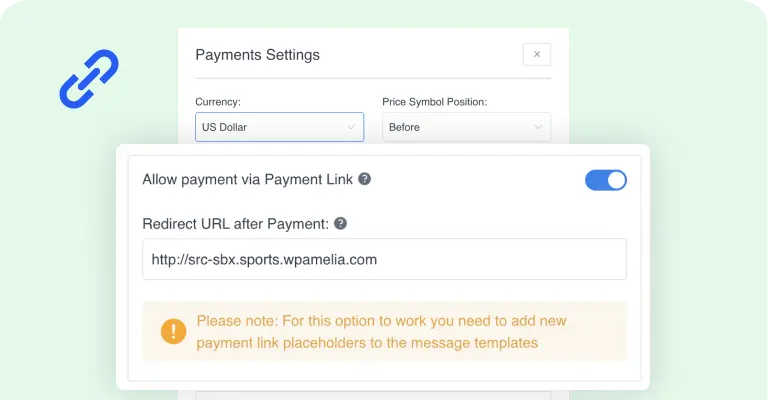
Pay Via a Link
Allow customers to conveniently complete transactions through a personalized and secure payment link sent via email or within their customer panel.
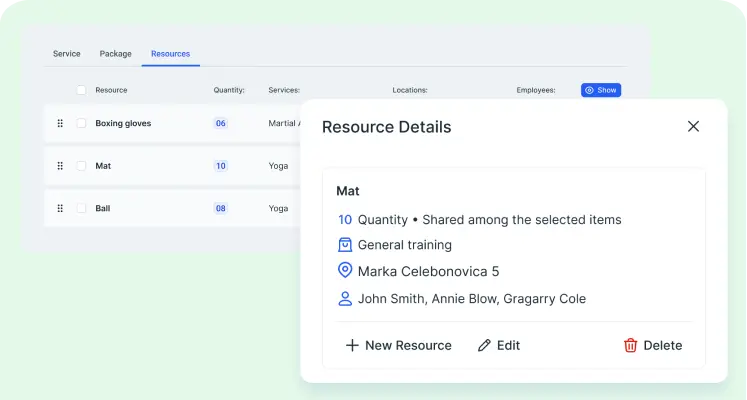
Resources
You can share rooms, equipment, cars, chairs or any other resources between employees. To your clients, our appointment booking solution will show available time slots, create an appointment at the time they choose, and notify the employee.
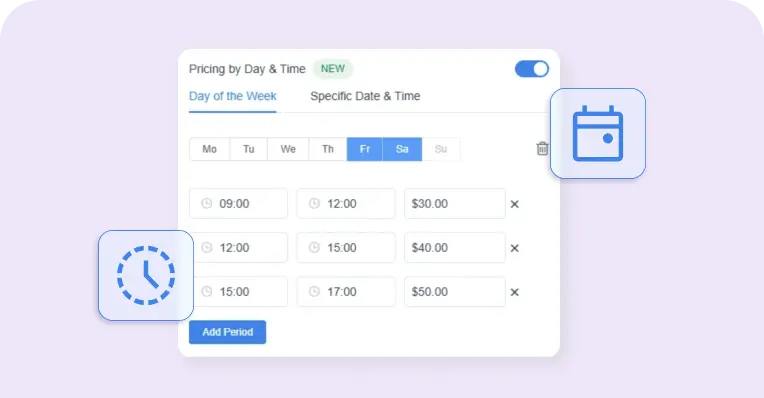
Pricing by Date & Time
Set different prices for specific days, dates, or time periods, so your rates automatically match demand throughout the week.
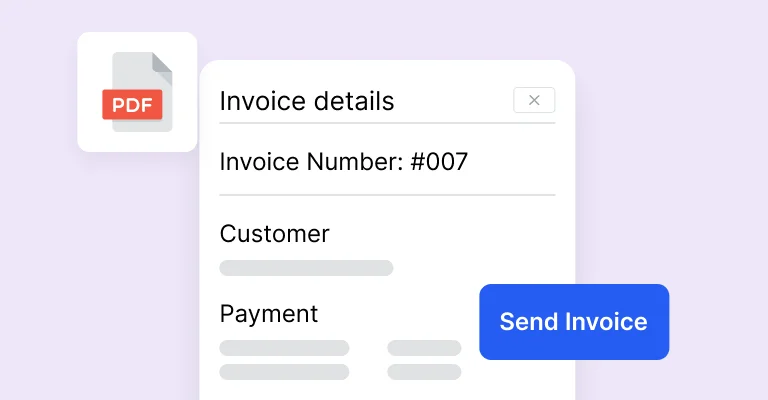
Invoices
Automatically generate invoices for bookings to streamline payments and enhance the client experience.
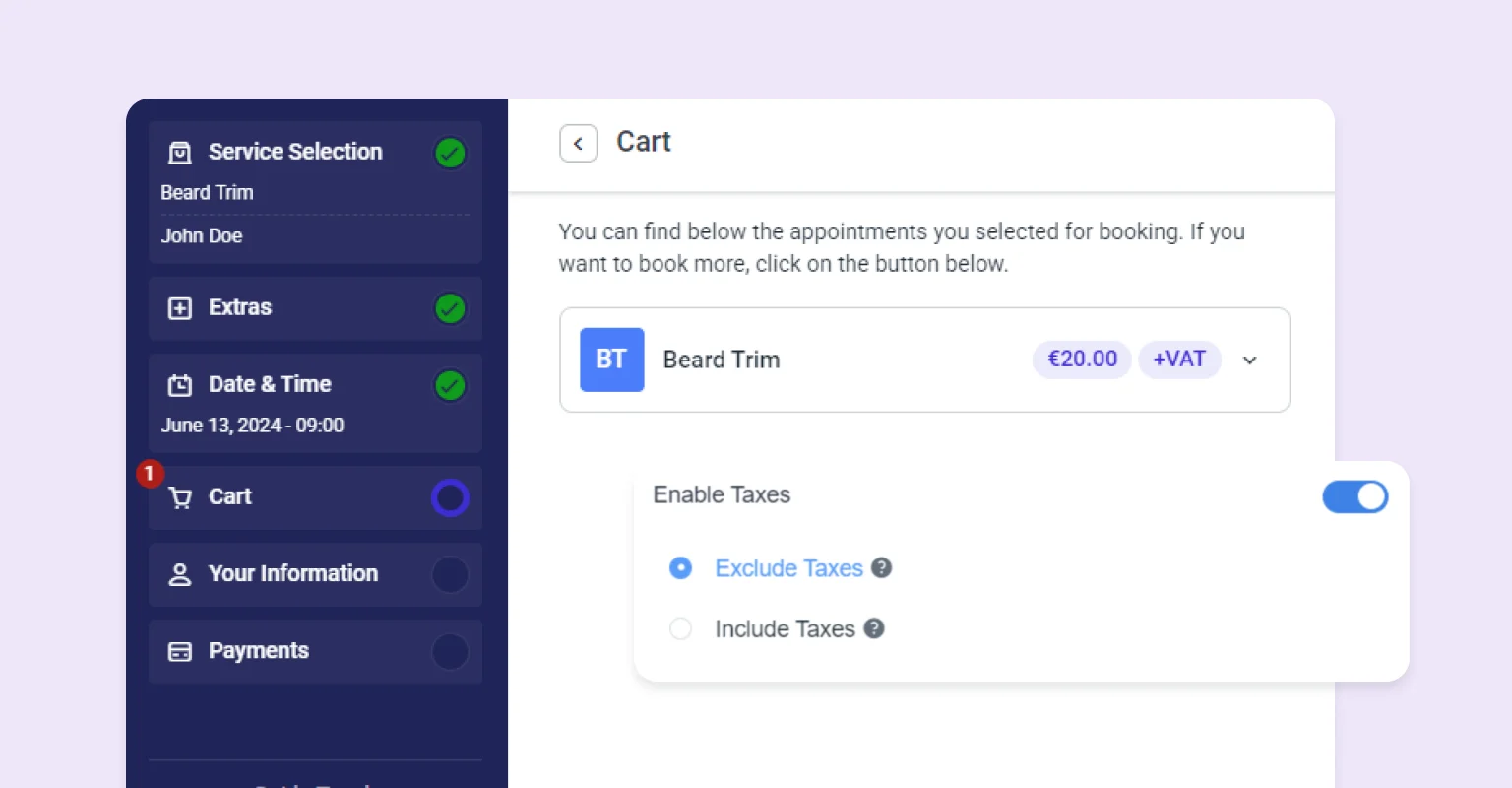
Tax feature
Automatically calculate and apply taxes to your services and events, ensuring compliance and accurate billing without the hassle.
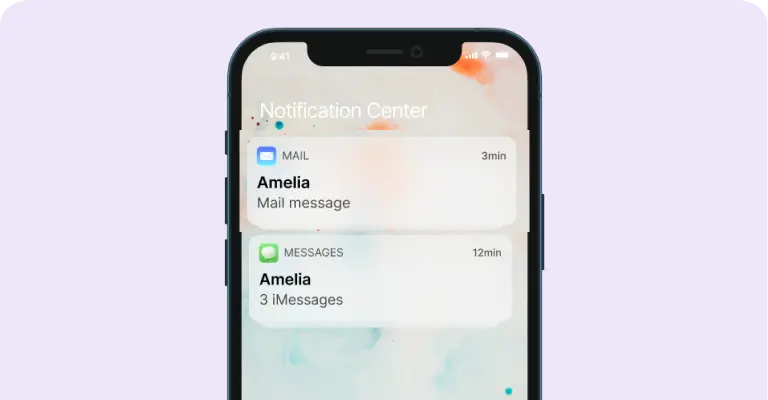
Automated notifications and reminders
Be in instant touch with your customers and employees - communicate with them through SMS and email text messages.
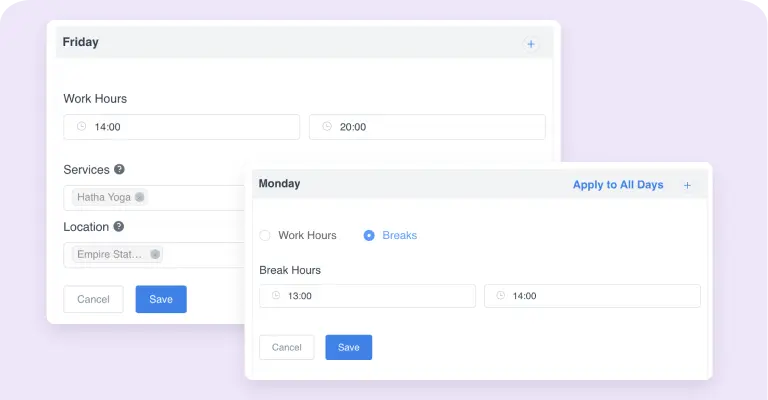
Custom services schedule
Take advantage of full scheduling flexibility with the custom services schedule feature - configure the working hours and breaks individually per service and employee combinations.
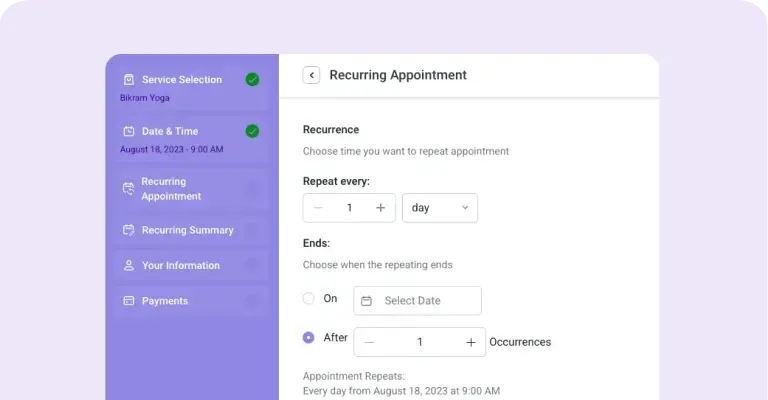
Recurring appointments
Make sure your customers will become your returning customers by letting them schedule recurring appointments. Choose whether your appointment recurrence is daily, weekly, monthly or yearly. Maintain your customers satisfied on regular-basis.
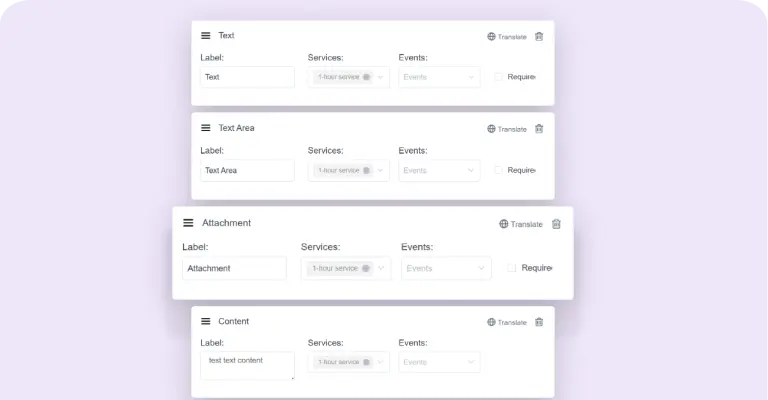
Custom Fields for booking forms
Construct the booking form to match your business best - configure the custom fields (checkboxes, textareas, etc.) to collect any additional necessary information from your customers.
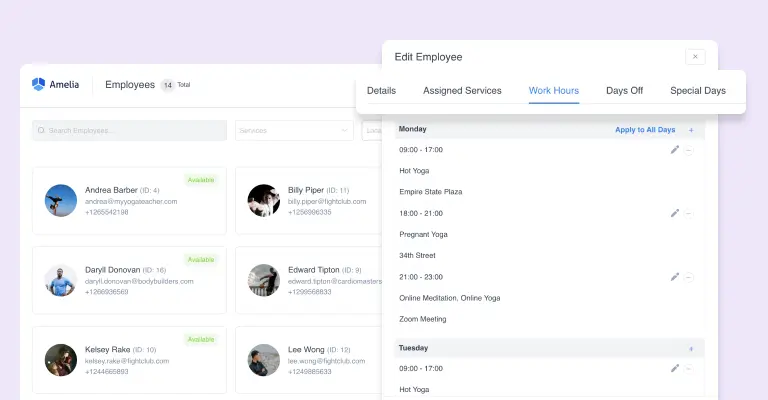
Employee schedule management
Efficiently manage employee schedules, contact information, workloads, and availability with our advanced employee scheduling system, empowering your team to optimize operations and improve productivity.
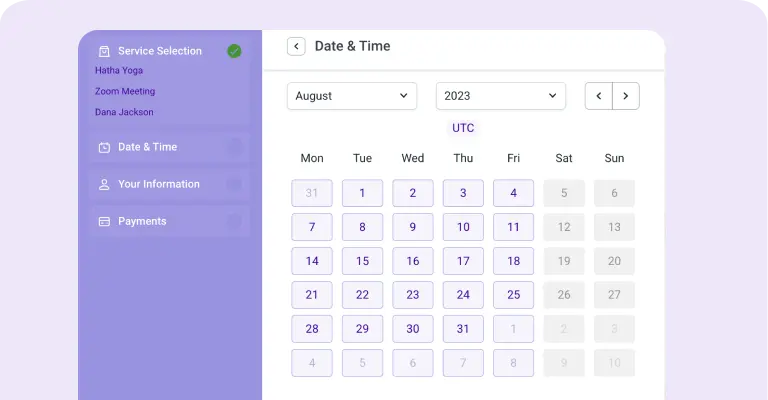
Step-by-step booking wizard
An alternative way of scheduling appointments by choosing one parameter (service, employee, date) at each step.
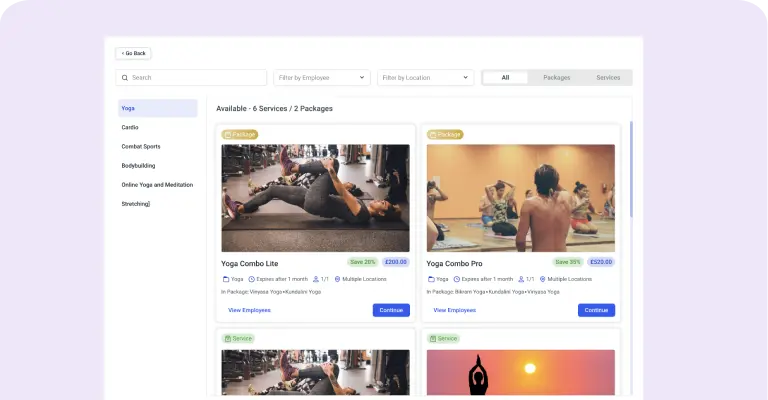
Catalog view for services
Quickly create an excellent looking services catalog with just several clicks.
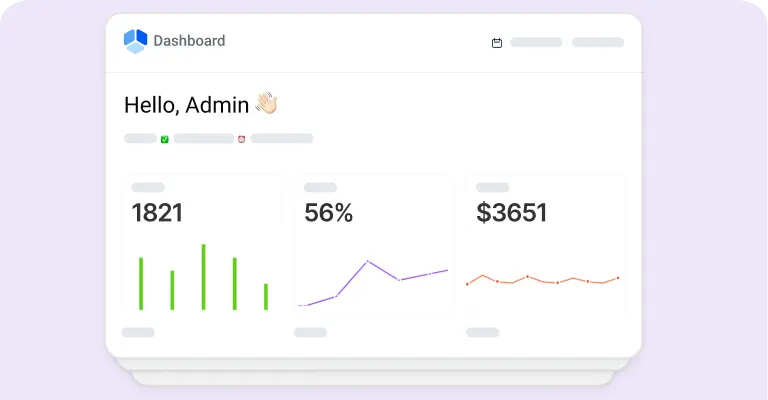
Insightful dashboard and reporting
Keep an eye on how your business performs – track the most important financial and conversion-related KPIs through charts in a dashboard.
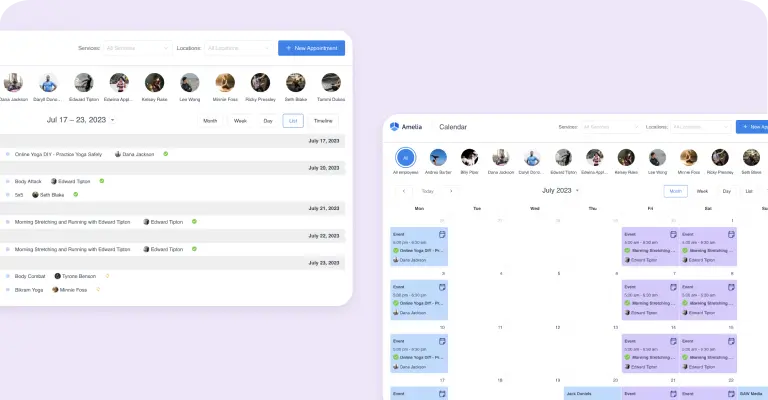
Calendar and list view
Our appointment booking solutions provides multiple options for managing the workflow, depending on the level you want to track: monthly, weekly, daily calendar view, timeline, or just an interactive list of appointments.
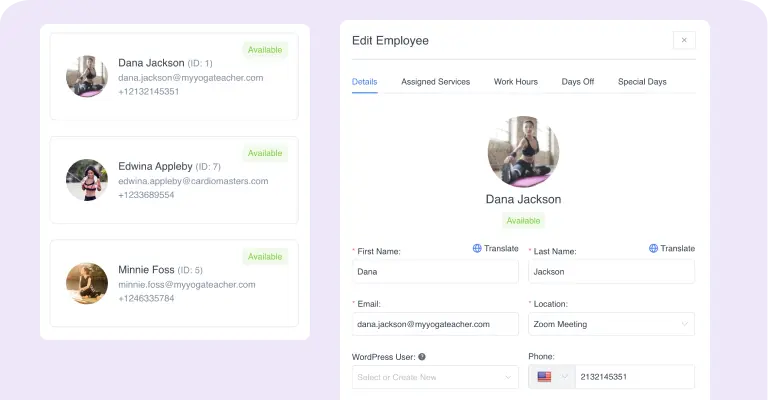
Multiple employees
Keep employees contact data in the WordPress database, manage individual load and performance, configure personal working schedule and days off.
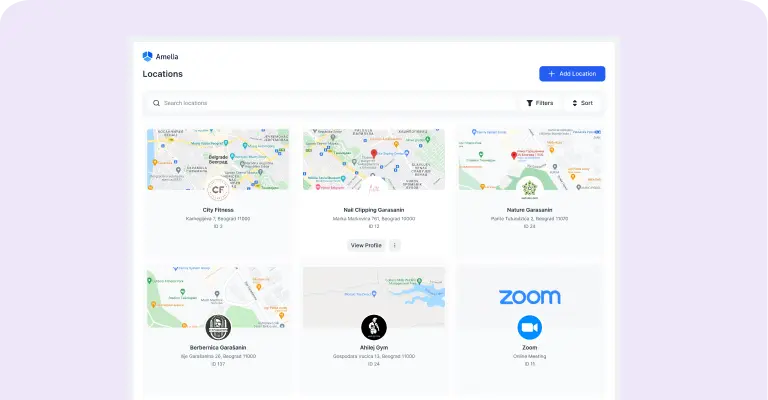
Manage multiple locations
If you have several business locations, you can efficiently manage this with our appointment booking solutions, storing contact data, address and geolocation.
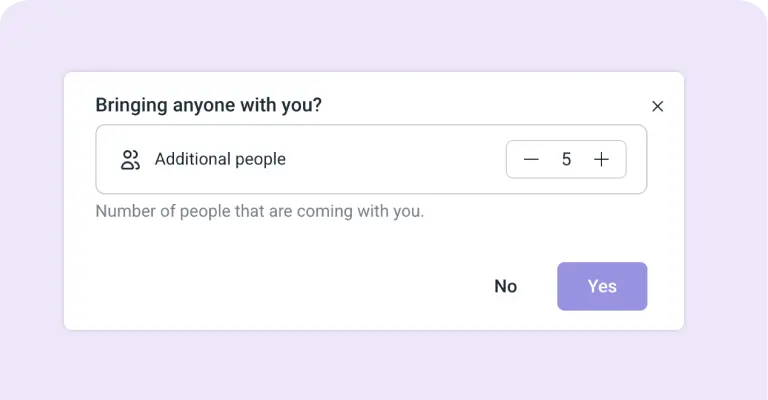
Group appointment bookings
Appointments do not always have to be individual - our appointment booking solutions supports group bookings as well (e.g., for group excursions). Each service can have minimum and maximum capacity.
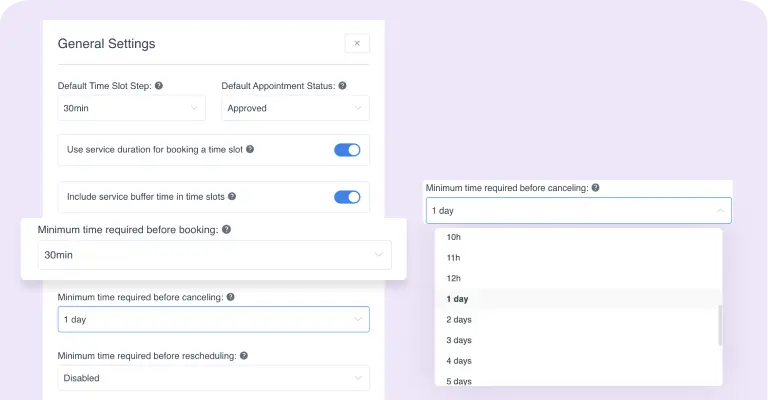
Booking Time Limits
Configure minimum time required before booking and before canceling. Depending on your business, configure the periods for bookings and cancellations.
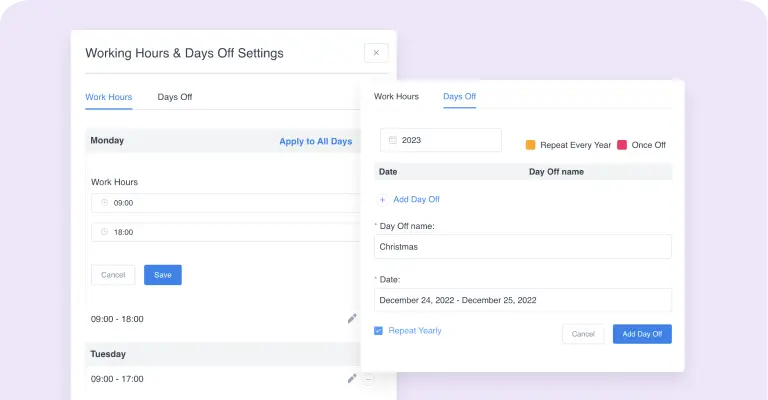
Customizable setup for your company
Enter your standard business hours, non-working days and bank holidays, and each new employee will have this schedule by default, which you can adjust individually later. Configure currency, time and date format, and number format settings appropriate for your country. Currencies and formats are fully customizable.
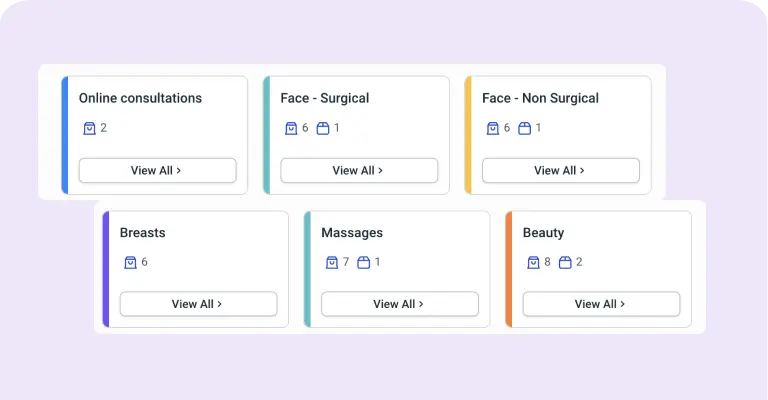
Hierarchical organization of services
No matter how many different services do you provide, you can add all of them to our appointment booking solutions, configuring individual duration, price, and other parameters.
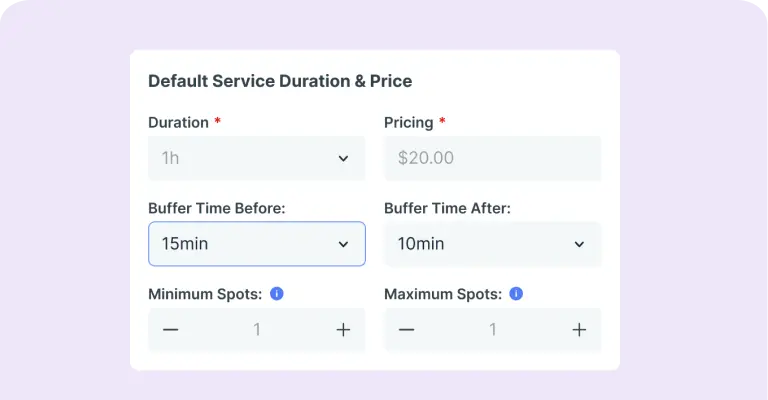
Buffer time
Configure buffer time, required before and after the service, if the employees need some preparation before, or clean-up after an appointment.
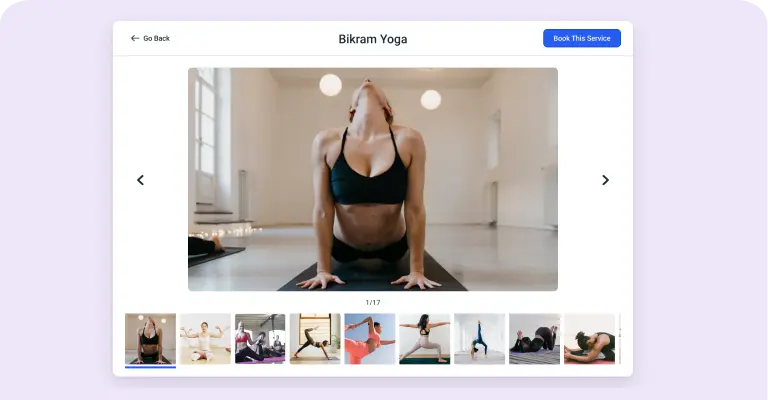
Service photo gallery
Upload multiple pictures for service, to be shown on site’s front-end as service photo galleries/slideshows.
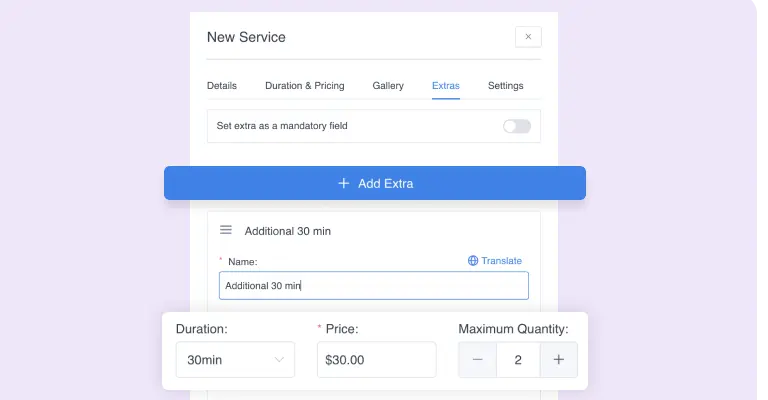
Support for Service Extras
Configure extra services, or special treatments provided additionally with a service, which can optionally raise the service price.
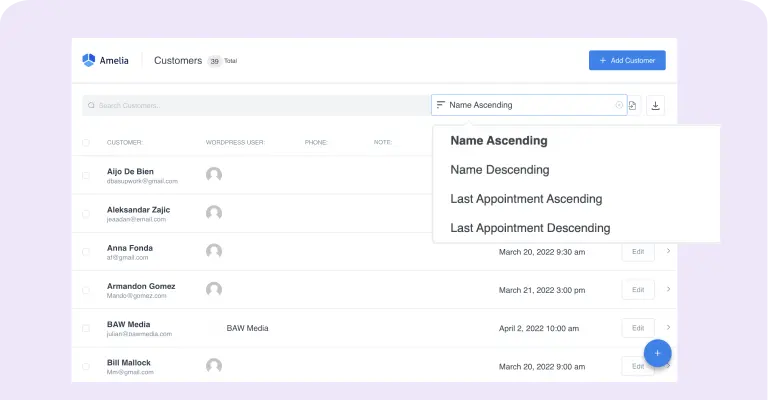
Manage the database of your customers
List your customers in a convenient filterable grid/list view. Sort by alphabet, or last visit.
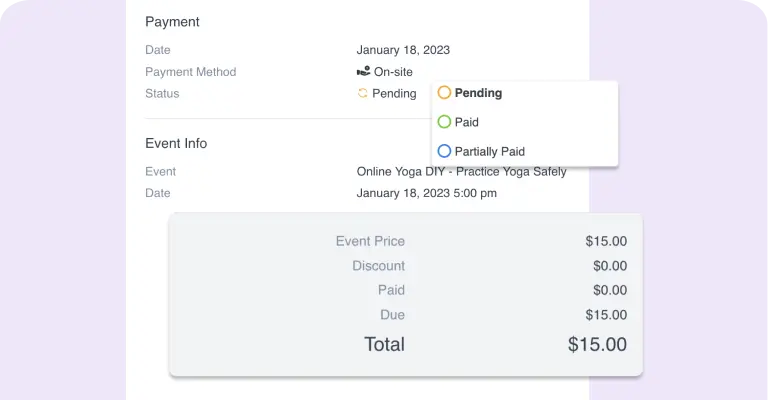
Full financial details of the payments
A single database of all payments where you can check each payment status (finalized or pending), payment gateway (on site, PayPal, Stripe, Senangpay) total amount, discount, and other information.
Discount coupons for bookings
Create and track usage of discount coupons - for all or some specific services, with a particular usage limit, a fixed amount discount or percentage.
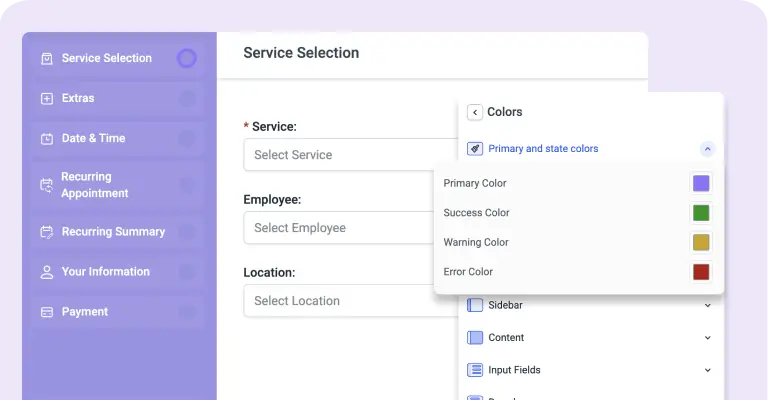
Customizable design
Choose colors and fonts for the front-end elements to make the booking controls match your WordPress theme and corporate brand style.
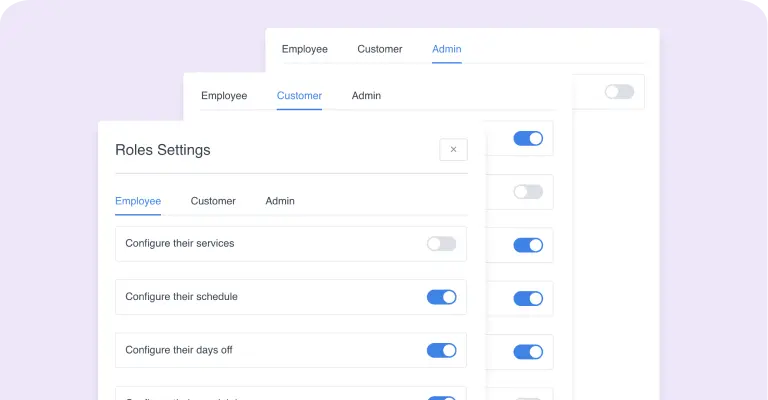
User Roles and Permissions
Our appointment booking solutions has four built-in user roles: admin, manager, employee, and customer. Each role has its scope of permissions. Adjusting user permissions through WordPress’ native capabilities system is possible.
GDPR compliance
Our appointment booking solutions does not store any customers’ data in compliance with GDPR. In Customer Panel, your customers can access, manage, and delete their personal data at any point in time.
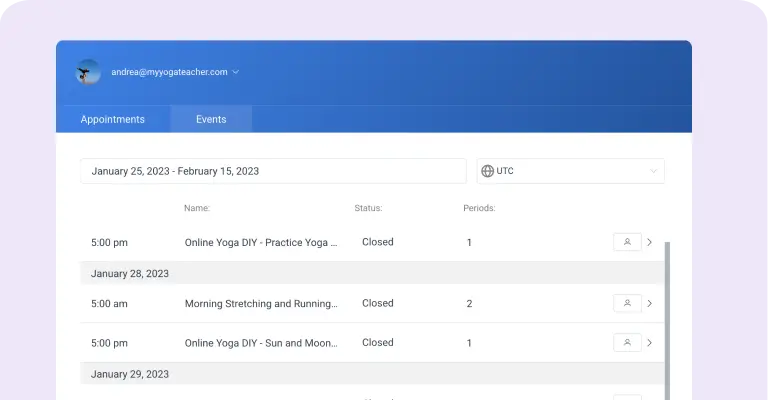
Employee panel
Employees can log in and take control over their appointments and events, manage their schedule, working hours, days off and special days. Employees can manage price for their services, as well as the capacity.
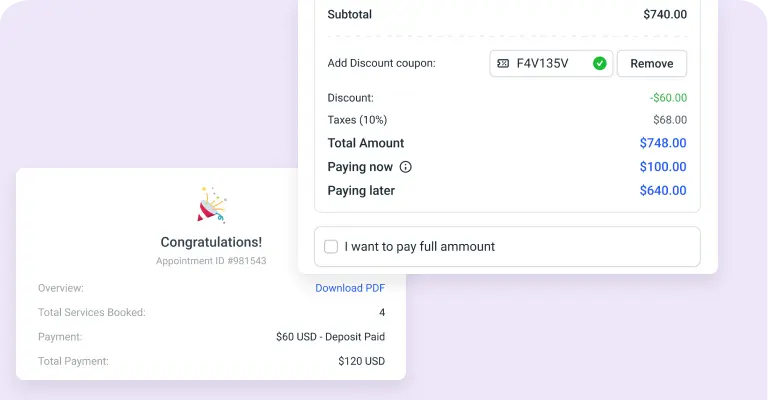
Deposit payment
Deposit payment allows you to divide the amount into two instalments: the first part, which you define, will be paid online during the booking, and the remaining part of the total price that the customer will pay on-site.
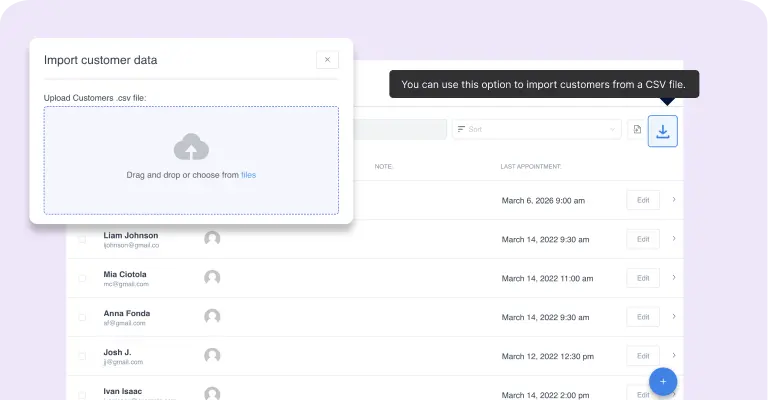
Import customers' data
If you already have a customers database using our Import option you can easily import all data via CSV file.
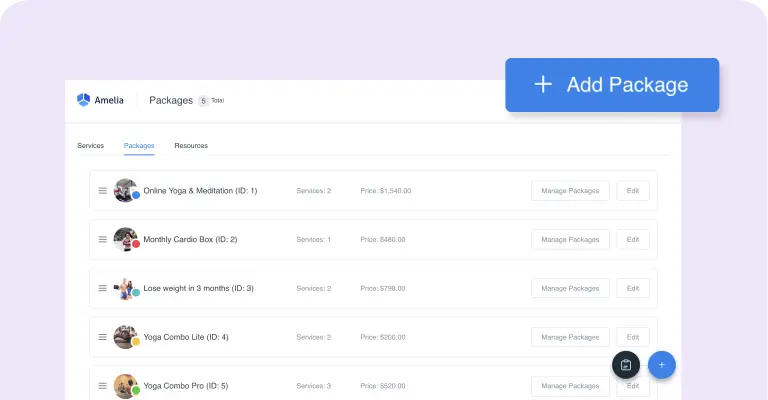
Packages of services
Encourage your customers to buy more by bundling single or multiple services in a package of appointments. You can set the price for the whole package so your customers can have a discount when purchasing the package of services.
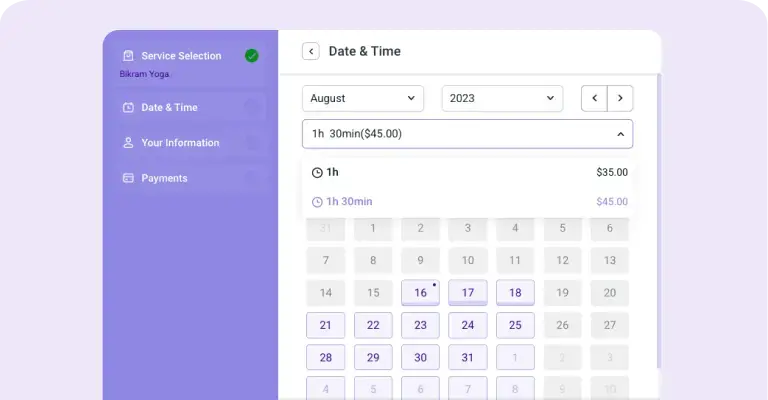
Custom service duration
Create multiple durations for a single service and set prices for each service duration. When booking appointments, your customers will be able to choose from predefined durations, and see prices and available time slots.
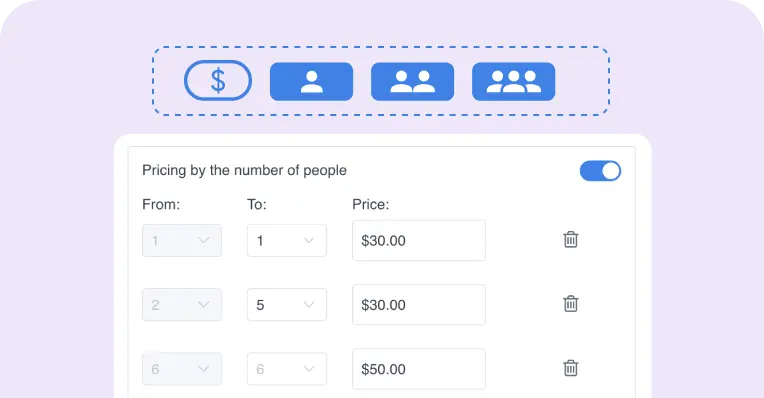
Pricing by the number of people
Offer flexible service pricing that automatically adjusts based on the number of people attending the appointment.
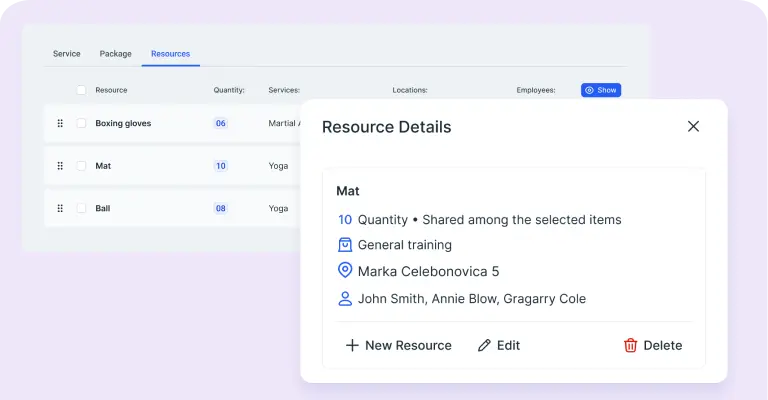
Resources
You can share rooms, equipment, cars, chairs or any other resources between employees. To your clients, we will show available time slots, create an appointment at the time they choose, and notify the employee.
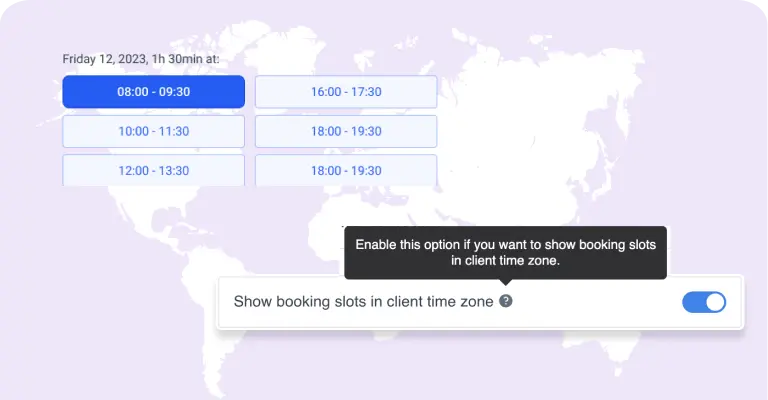
Time zones
Our appointment booking solutions will automatically detect the time zone from your customer’s computer and show slots in their time zone, while you will be able to see the slots in your time zone
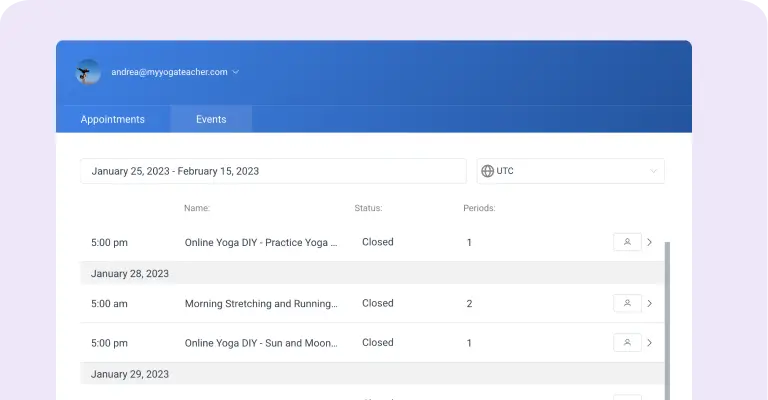
Customer Panel
Let your customers efficiently manage their appointments, events, and profile right on your website by instantly entering the shortcode on a page. Customers can cancel or reschedule appointments without logging into WordPress.
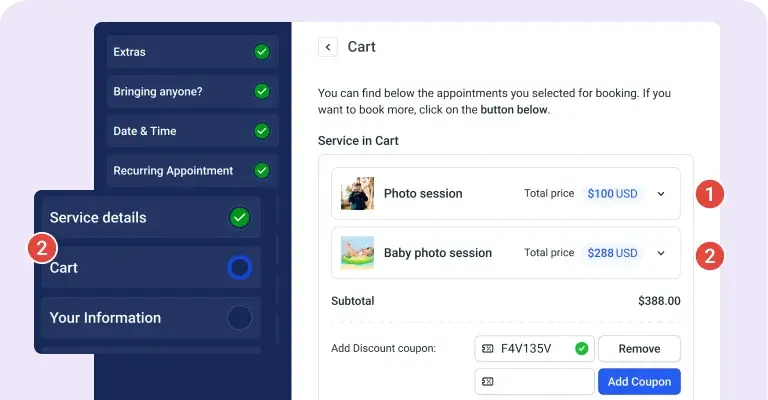
Cart Feature
Enabling the Cart feature enables customers to book multiple services within a single booking process. They can modify their selection by deleting or editing services and choose different dates, times, employees, and locations (if available).
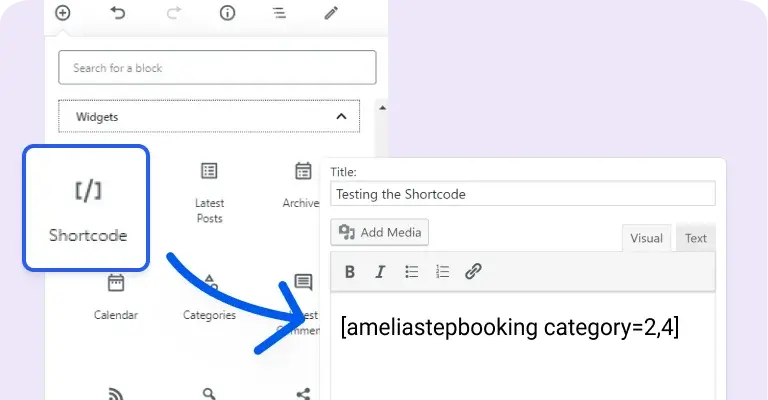
Multiple selections in shortcode
With the new Step-by-step and Catalog booking forms, you can choose multiple categories, services, packages, employees, or locations in a single webpage.
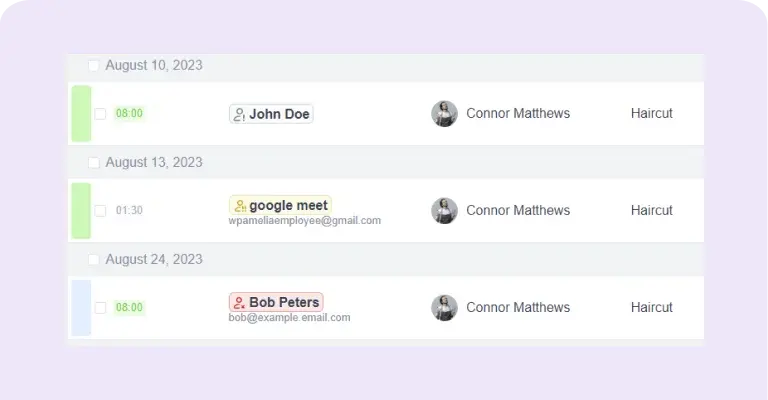
No-show customers tag
If activated, the no-show tag identifies customers who have missed their appointments, flagging them within the Appointments and Customer's profile sections. The tag color—gray, yellow, or red—reflects the frequency of missed appointments: once, twice, or three or more times.
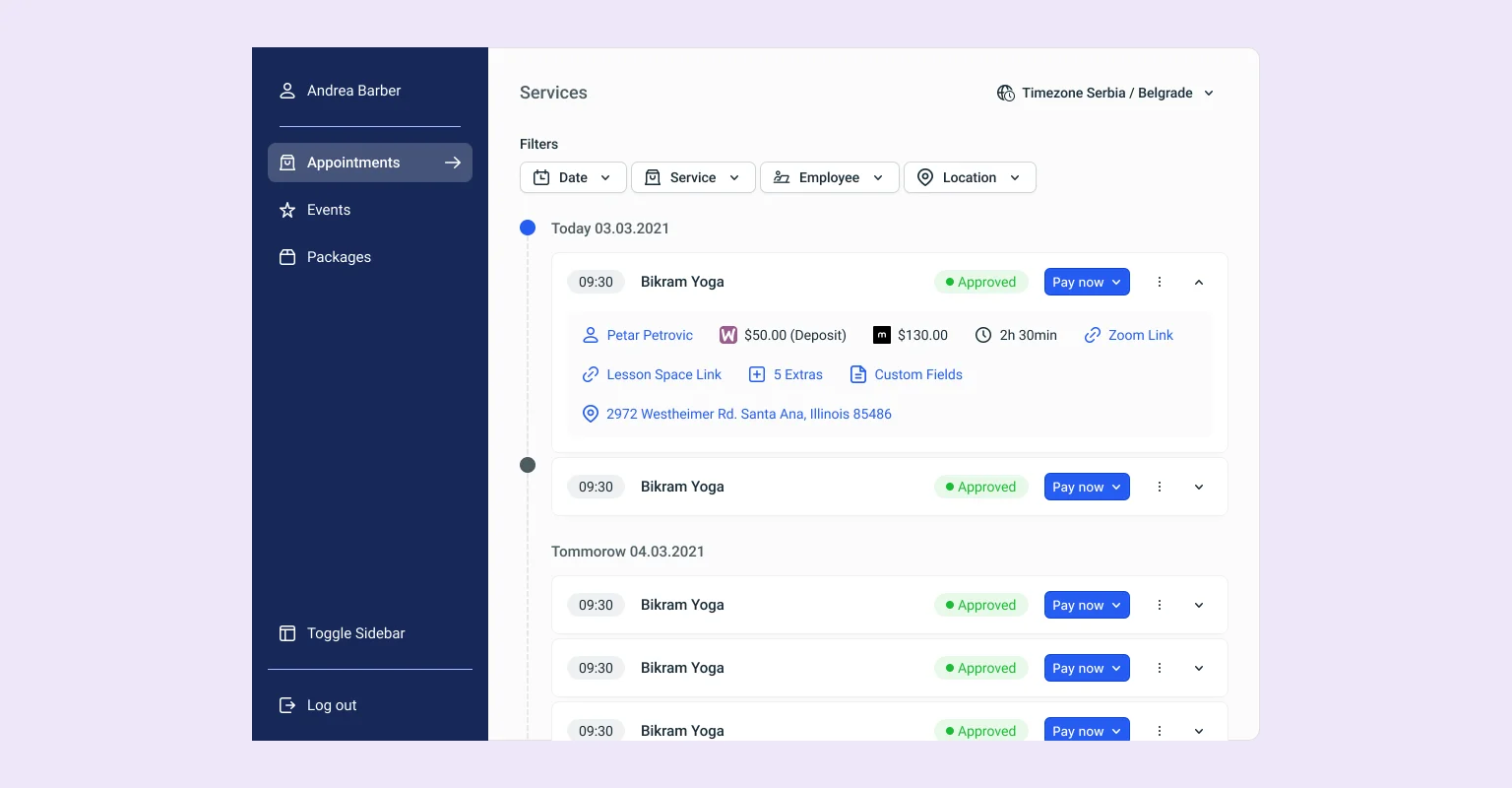
Customer Panel 2.0
The redesigned customer panel offers easy appointment and event management directly on the website, with enhanced profile features for seamless use.
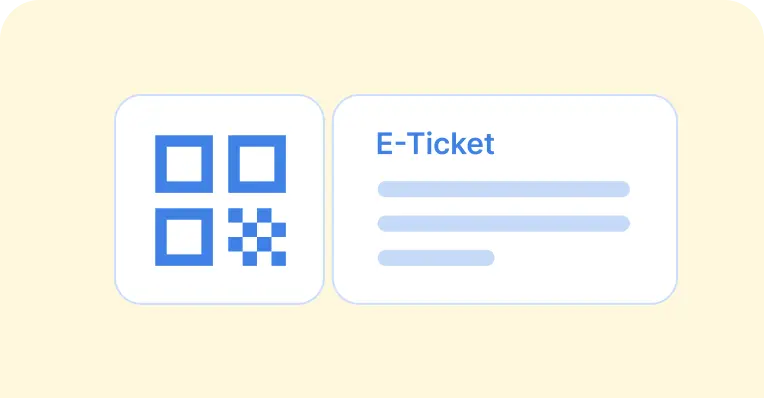
E-tickets QR code for Events
Provide every attendee with a unique QR code ticket that can be scanned on-site for quick, secure entry and effortless check-in management.
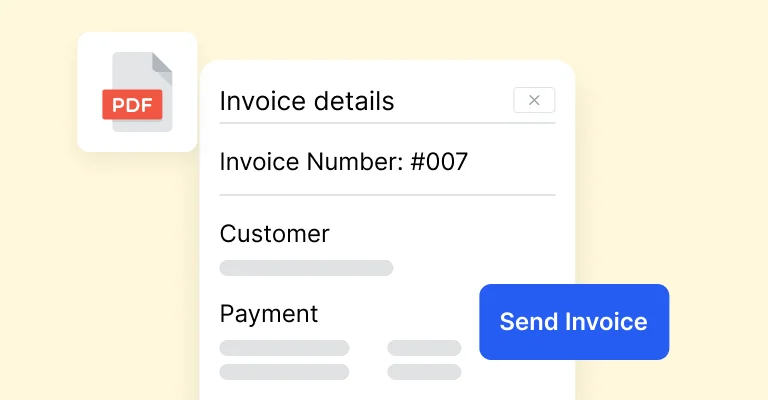
Invoices
Automatically generate invoices for bookings to streamline payments and enhance the client experience.
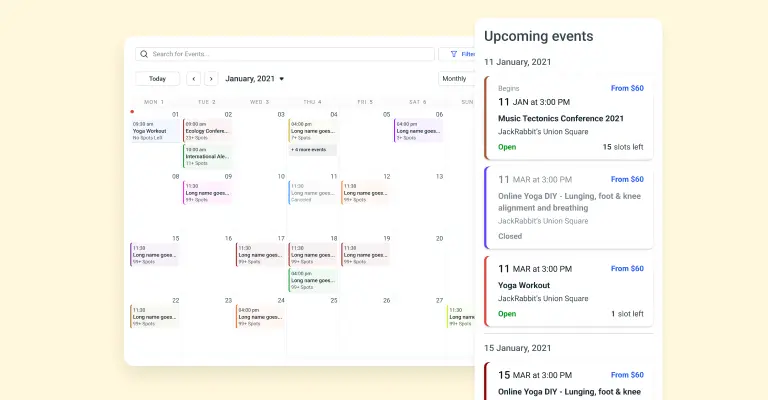
Redesigned Event Calendar 2.0
Streamlined event booking experience for your customers by new redesigned Event Calendar.
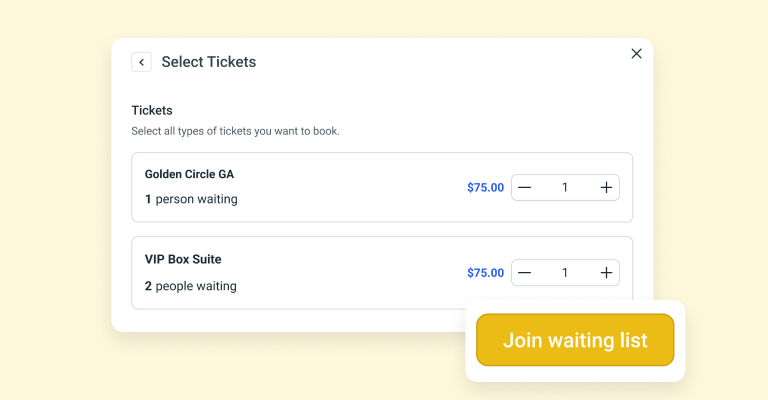
Event Waiting List
Allow customers to join a waiting list and hold their spot until openings become available.
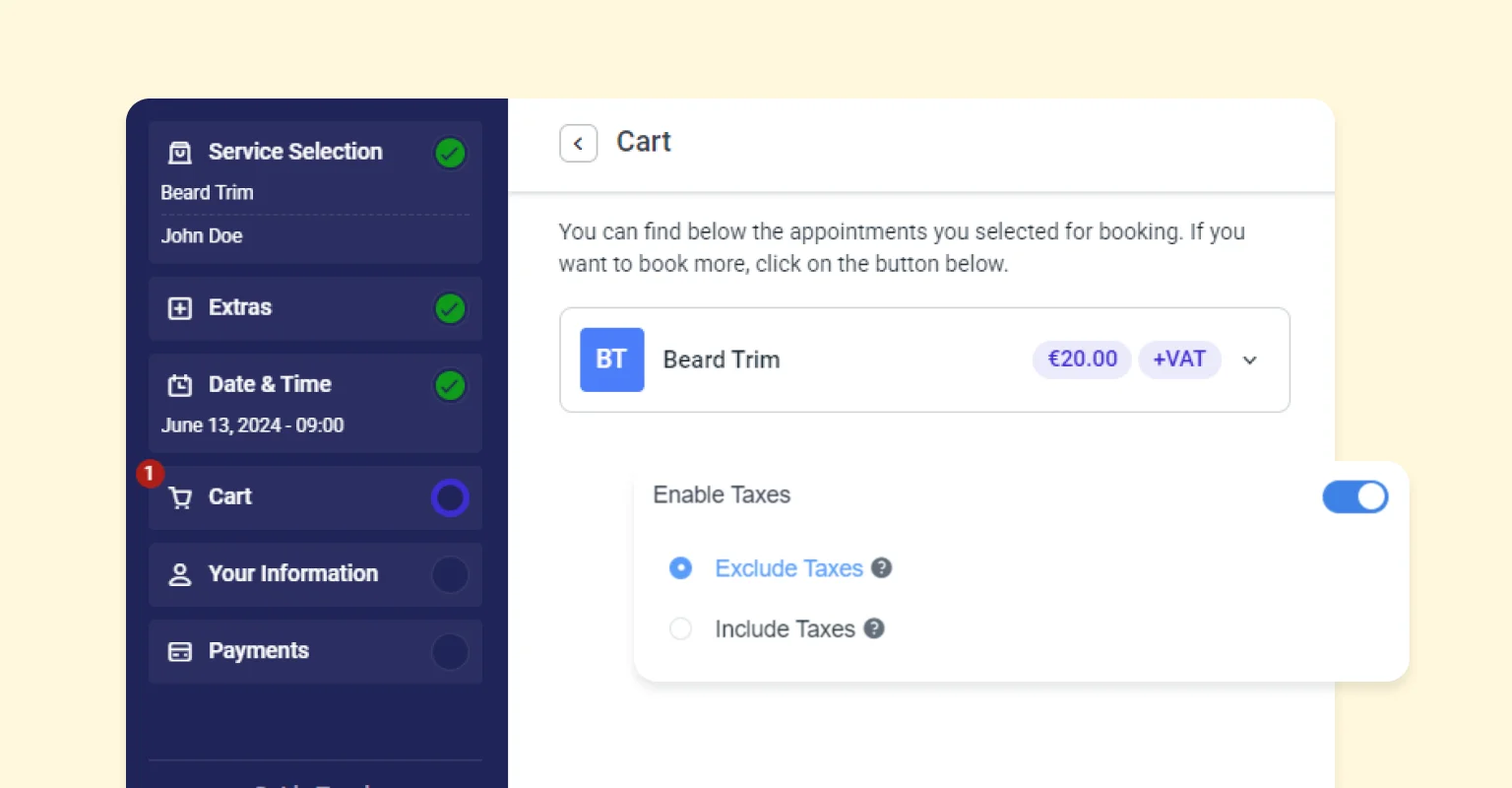
Tax feature
Automatically calculate and apply taxes to your services and events, ensuring compliance and accurate billing without the hassle.
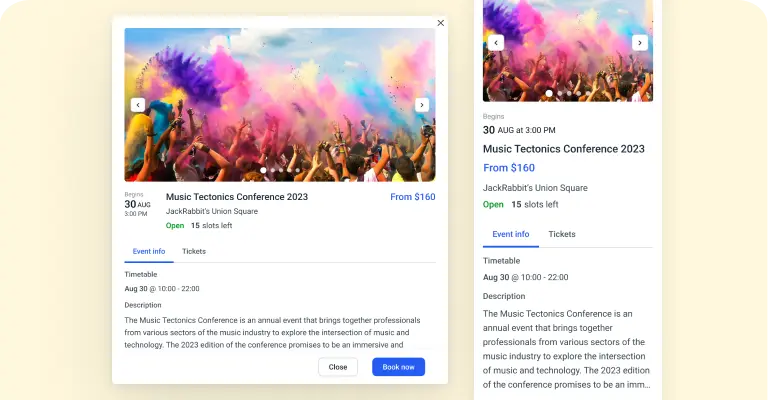
Event List 2.0 Booking Form
The new Event List 2.0 booking form offers customers a comprehensive overview of upcoming events and seamless ticket reservations, including various ticket types.
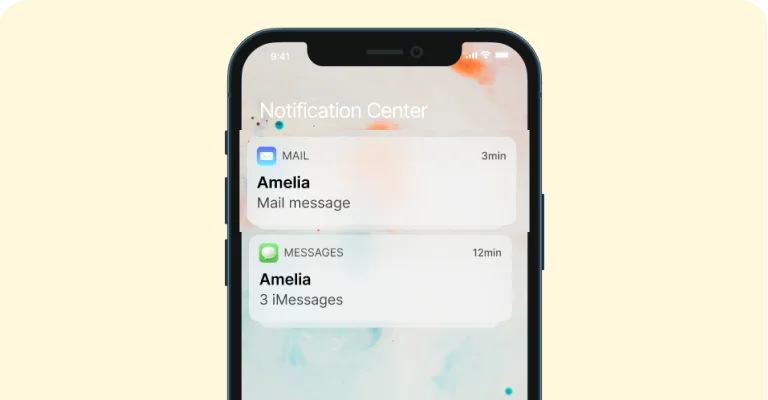
Automated notifications and reminders
Be in instant touch with your customers and employees - communicate with them through SMS and email text messages.
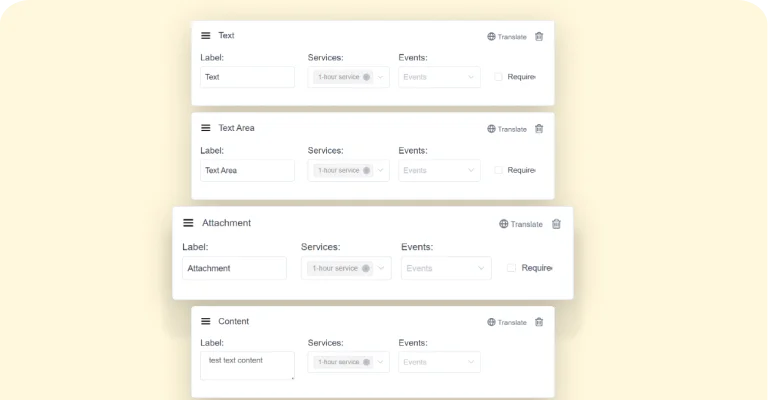
Custom Fields for booking forms
Construct the booking form to match your business best - configure the custom fields (checkboxes, textareas, etc.) to collect any additional necessary information from your customers.
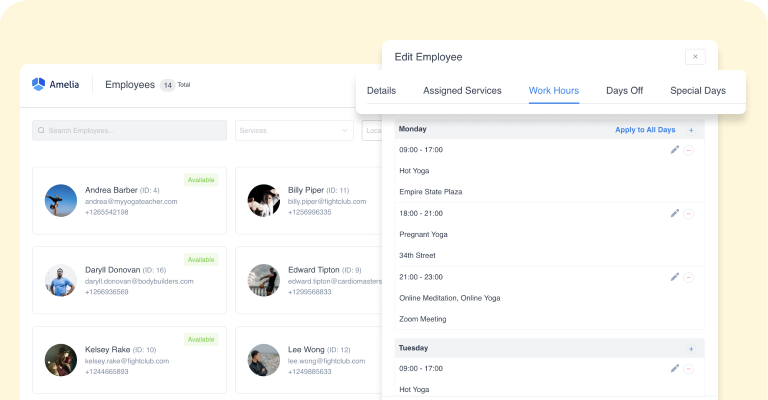
Employee schedule management
Efficiently manage employee schedules, contact information, workloads, and availability with our advanced employee scheduling system, empowering your team to optimize operations and improve productivity.
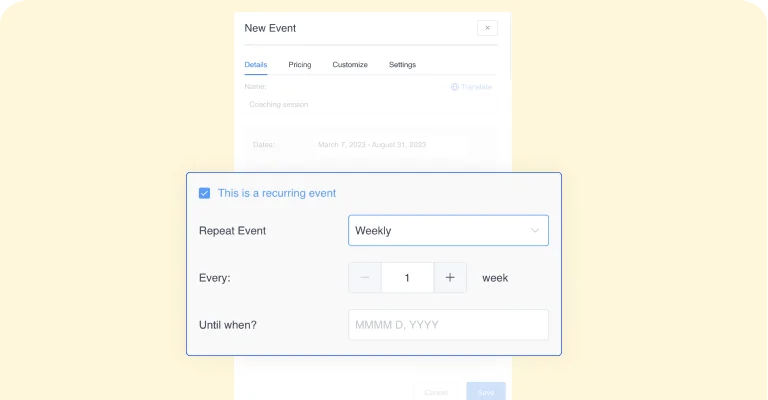
Recurring Events
With our appointment booking solutions, you can organize events that repeat and designate a timeframe for the repetition of single or multiple-day repeating events.
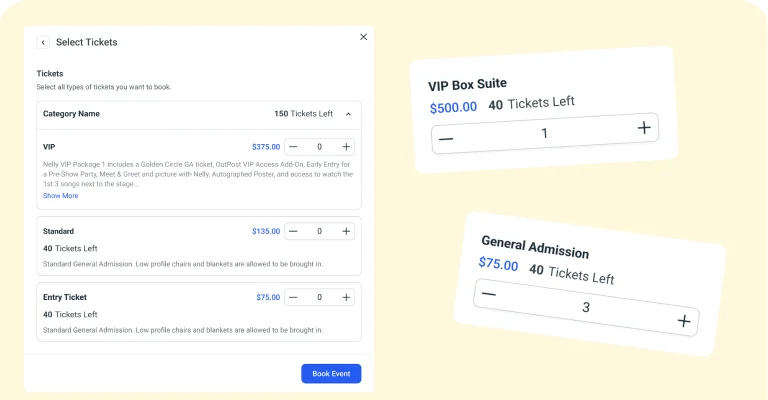
Tickets for Events
Gain a competitive edge in event management by setting custom pricing based on ticket types, capacity, and more, enabling you to attract a wider range of customers and optimize revenue.
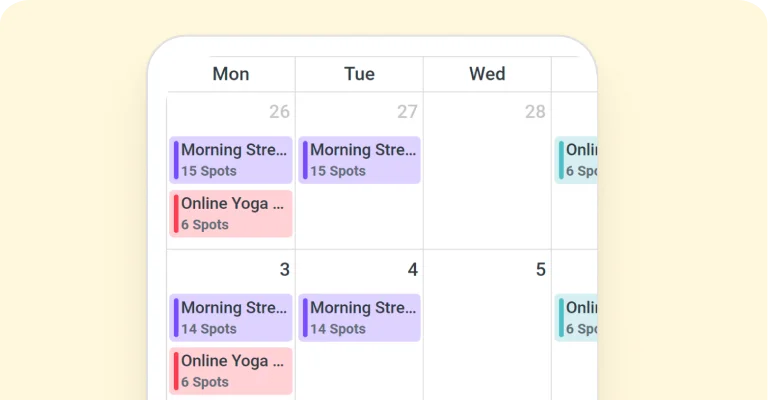
Event calendar view
Show events in a sleek, modern, fully responsive calendar on the page of your website with a shortcode. By clicking on an event, pop up with the details, schedule and images will be shown, and they will be able to book instantly.
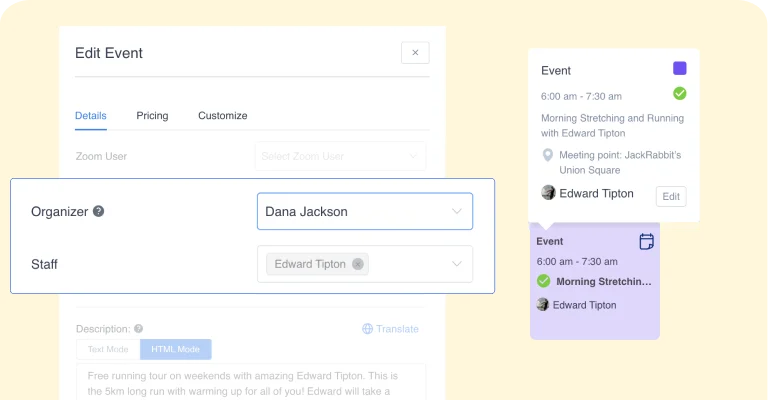
Set organizer and staff for your event
With our appointment booking solutions, you can assign your employees the role of Staff Members or an Organizer of Event, that will be added as Organizer on Google/Outlook Calendar if you decide to benefit from these integrations.
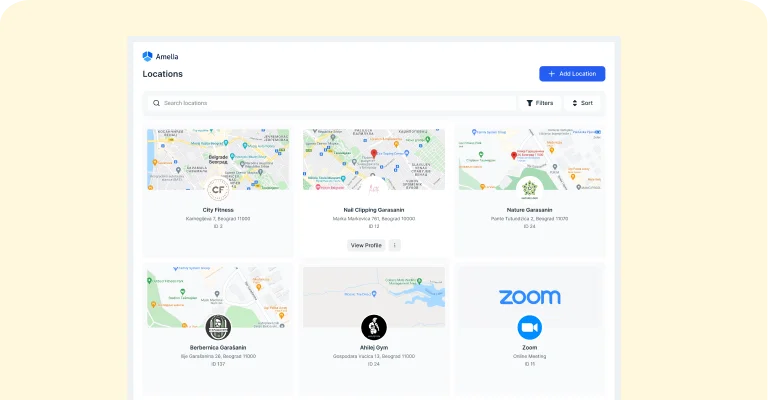
Manage multiple locations
If you have several business locations, you can efficiently manage this with our appointment booking solutions, storing contact data, address, and geolocation.
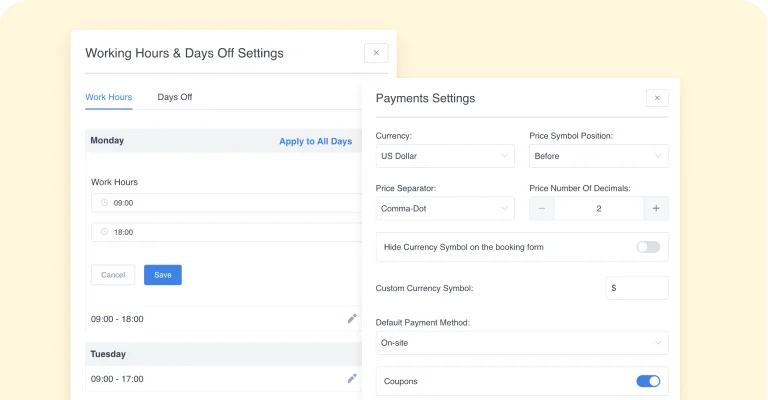
Customizable setup for your company
Enter your standard business hours, non-working days and bank holidays, and each new employee will have this schedule by default, which you can adjust individually later. Configure currency, time and date format, and number format settings appropriate for your country. Currencies and formats are fully customizable.
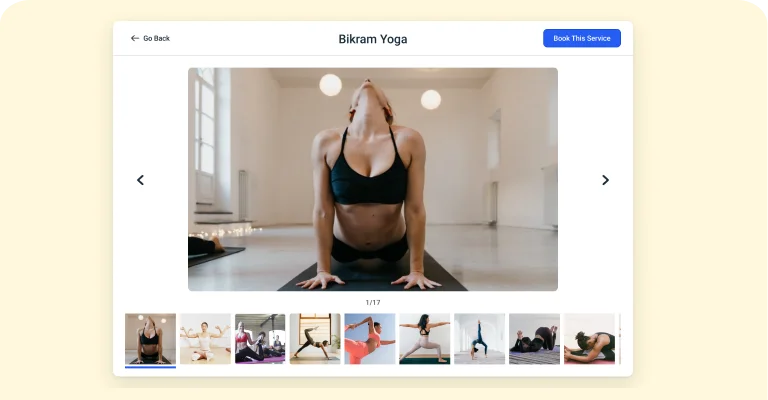
Event Photo Galleries
Upload multiple pictures for events, to be shown on site’s front-end as event photo galleries/slideshows.
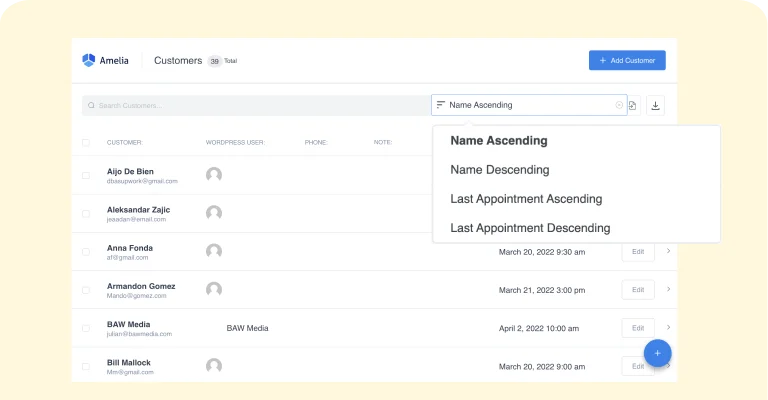
Manage the database of your attendees
List your customers in a convenient filterable grid/list view. Sort by alphabet, or last visit.
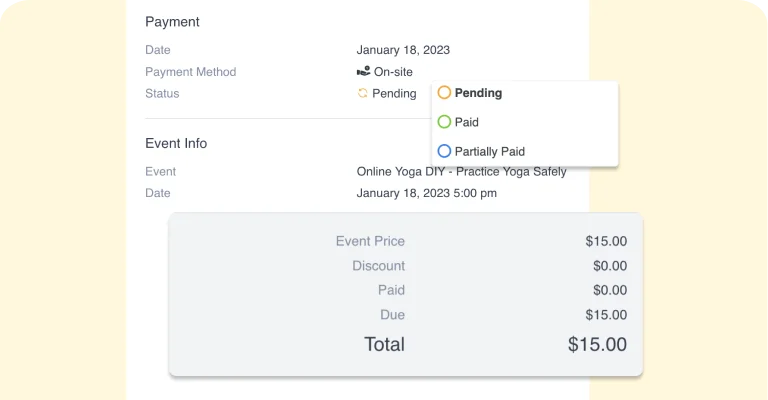
Full financial details of the payments
A single database of all payments where you can check each payment status (finalized or pending), payment gateway (on site, PayPal, Stripe), total amount, discount, and other information.
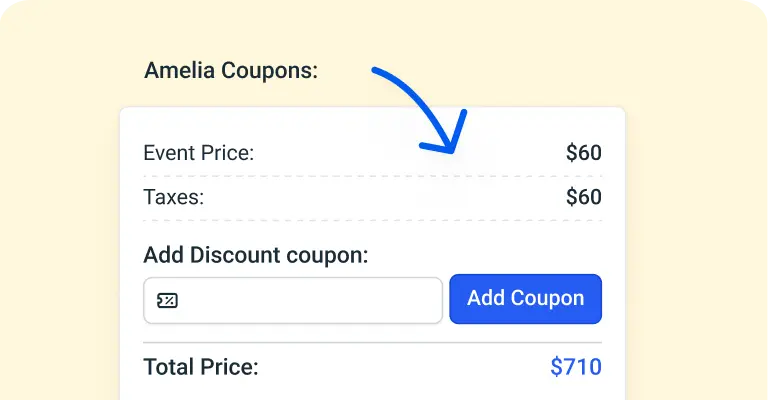
Discount coupons for bookings
Create and track usage of discount coupons - for all or some specific services, with a particular usage limit, a fixed amount discount or percentage.
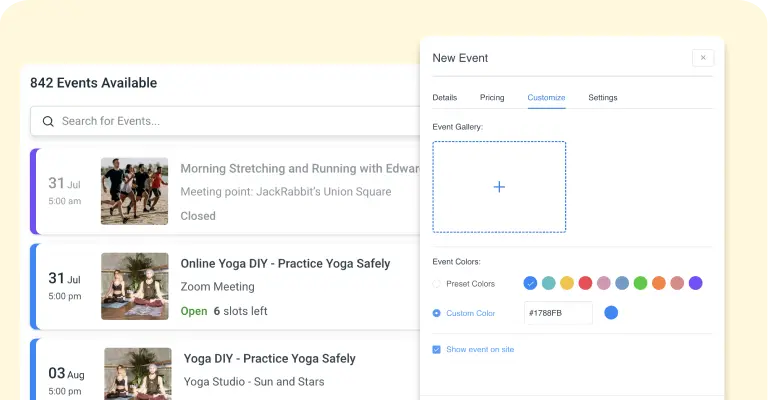
Customizable design
Choose colors and fonts for the front-end elements to make the booking controls match your WordPress theme and corporate brand style.
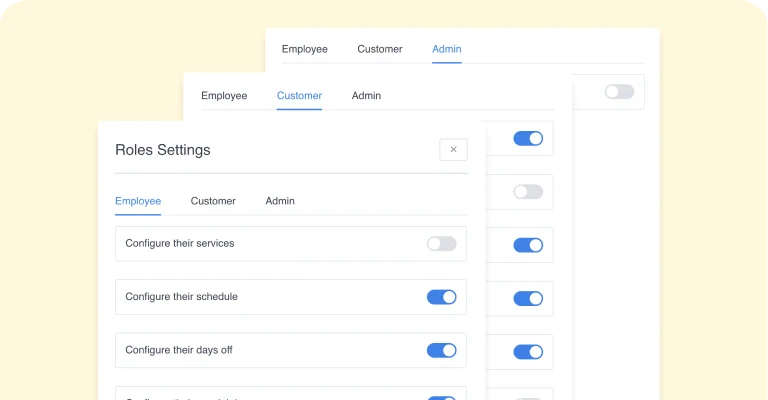
User Roles and Permissions
Our appointment booking solutions has four built-in user roles: admin, manager, employee, and customer. Each role has its scope of permissions. Adjusting user permissions through WordPress’ native capabilities system is possible.
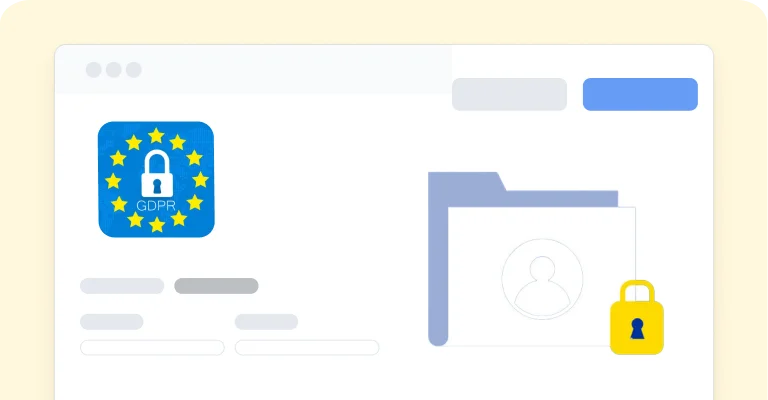
GDPR compliance
Our appointment booking solutions does not store any customers’ data in compliance with GDPR. In Amelia Customer Panel, your customers can access, manage, and delete their personal data at any point in time.
Employee panel
Employees can log in and take control over their appointments and events, manage their schedule, working hours, days off and special days. Employees can manage price for their services, as well as the capacity.
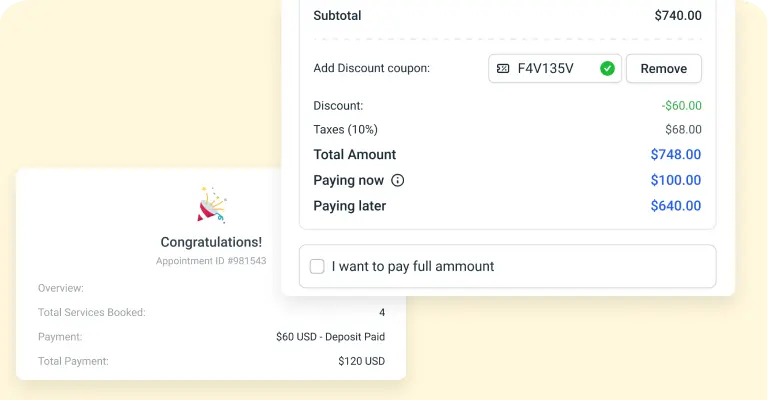
Deposit payment
Deposit payment allows you to divide the amount into two instalments: the first part, which you define, will be paid online during the booking, and the remaining part of the total price that the customer will pay on-site.
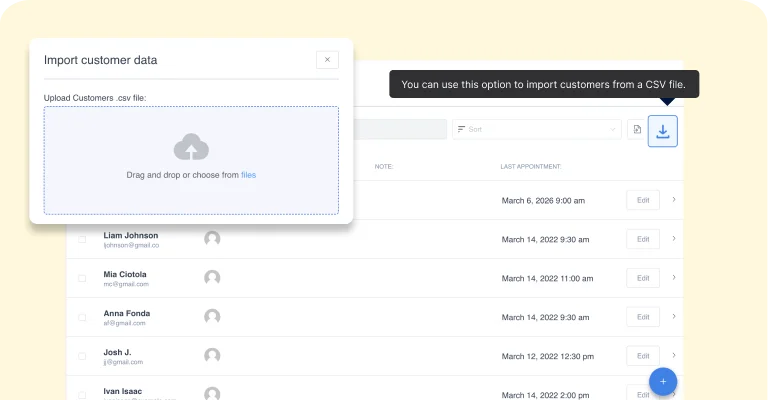
Import customers' data
If you already have a customers database using our Import option you can easily import all data via CSV file.
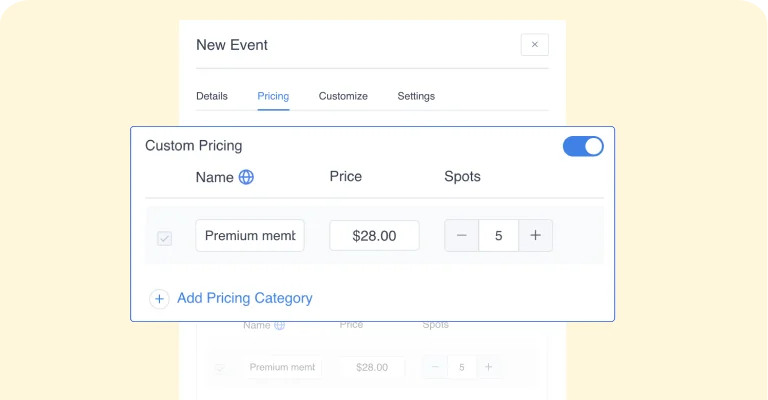
Custom Pricing of Events
If you have multiple types of tickets for your Event, you can set that with the option “Custom Pricing”. You can set the name, price and spots capacity for every specific type individually, or maximum capacity of all ticket types.
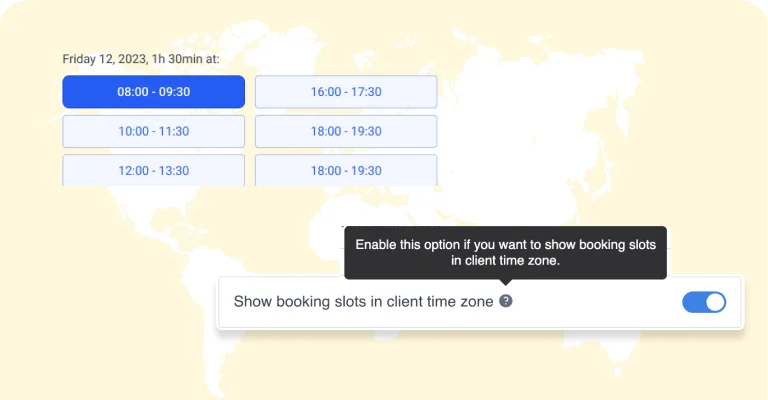
Time zones
The appointment booking will automatically detect the time zone from your customer’s computer and show slots in their time zone, while you will be able to see the slots in your time zone
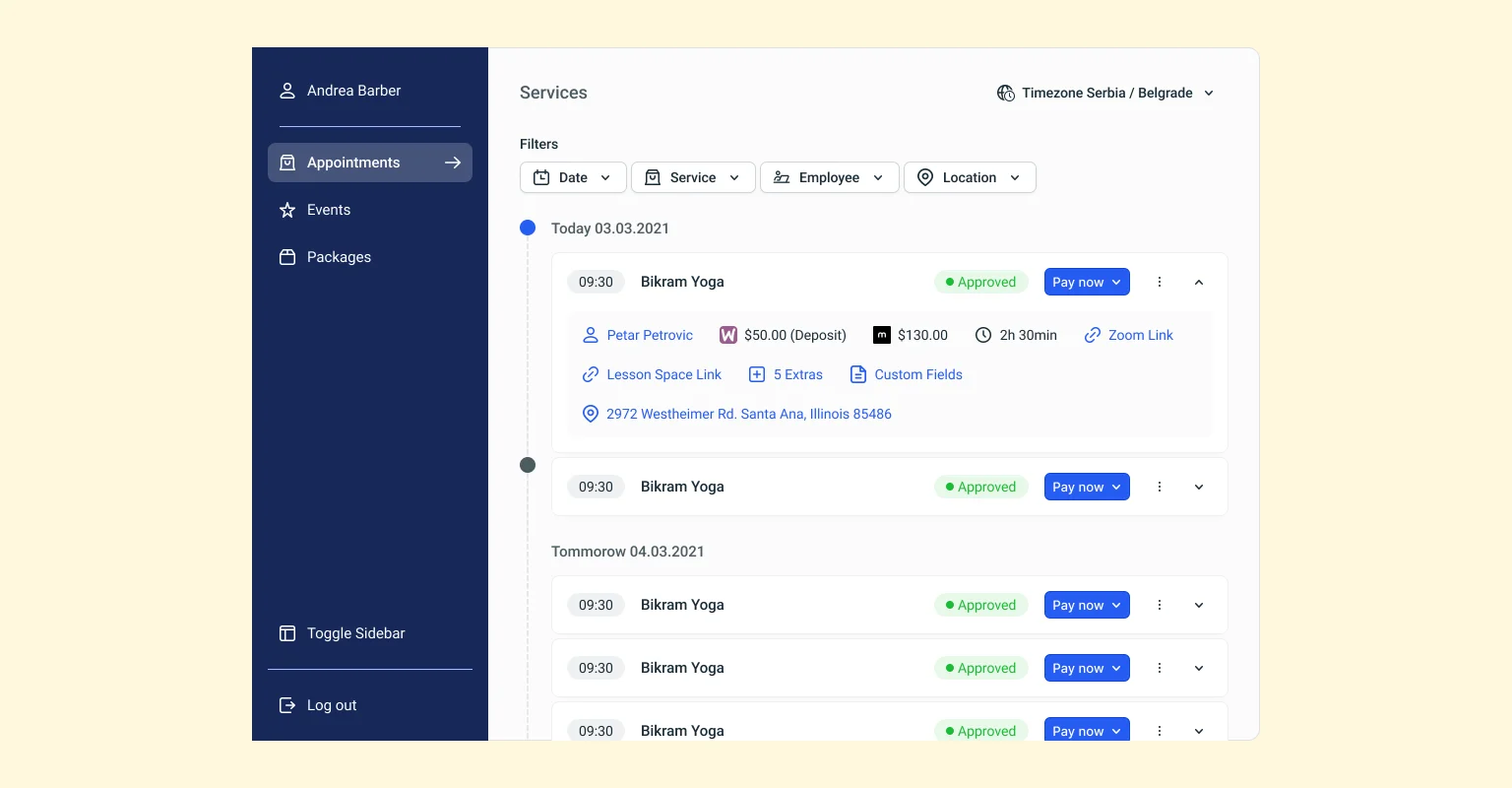
Customer Panel 2.0
The redesigned customer panel offers easy appointment and event management directly on the website, with enhanced profile features for seamless use.
Apple Calendar Synchronization
Employees can connect their Apple Calendar to sync Amelia appointments and events with their calendar availability.
Square Integration
Simplify your transaction management with our Square integration, offering a reliable and efficient payment method for your services and events.
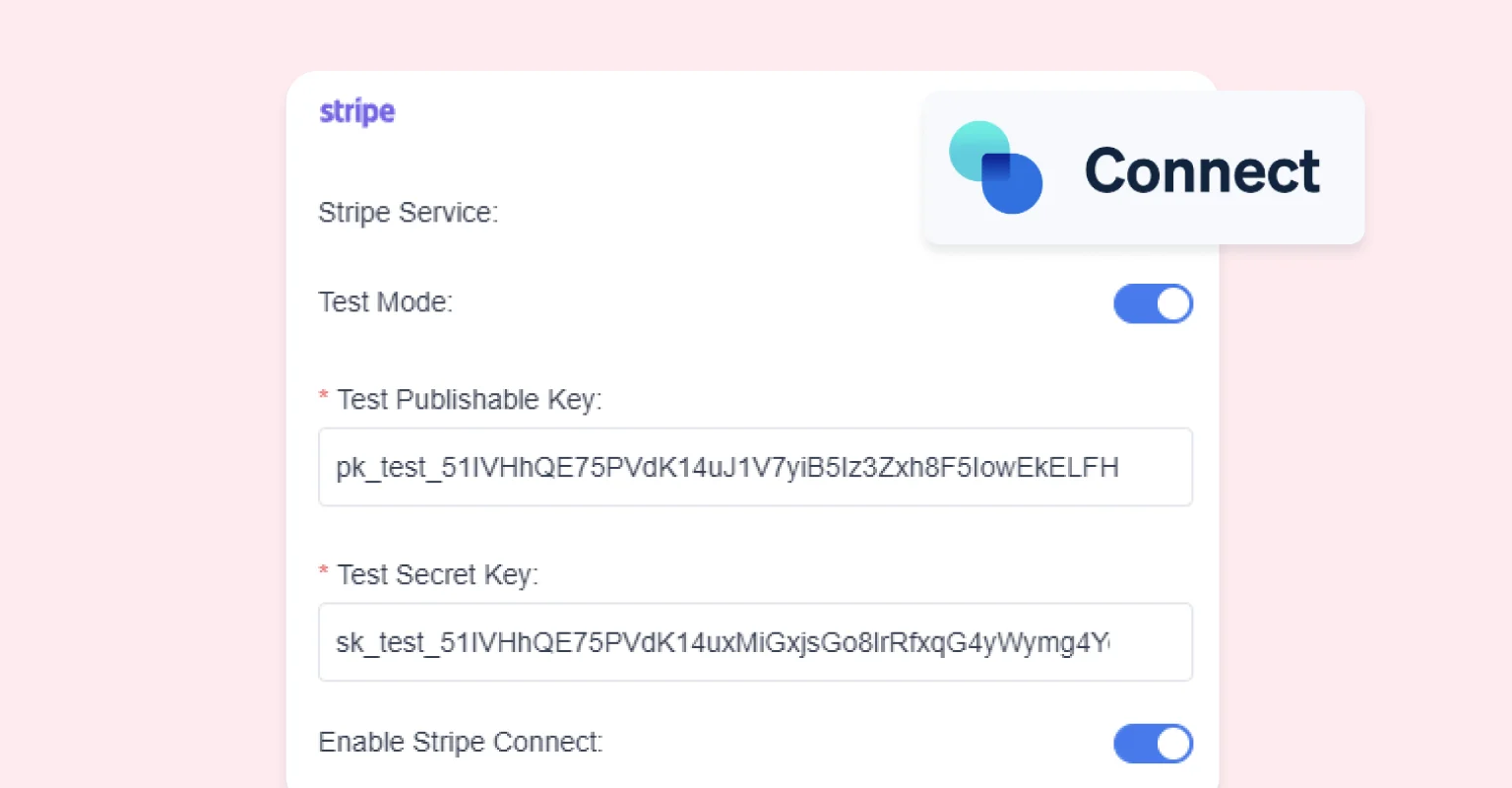
Stripe Connect Integration
Enjoy seamless payment processing with our Stripe Connect integration, making it easier for you to manage transactions and payouts.
WPFusion Integration
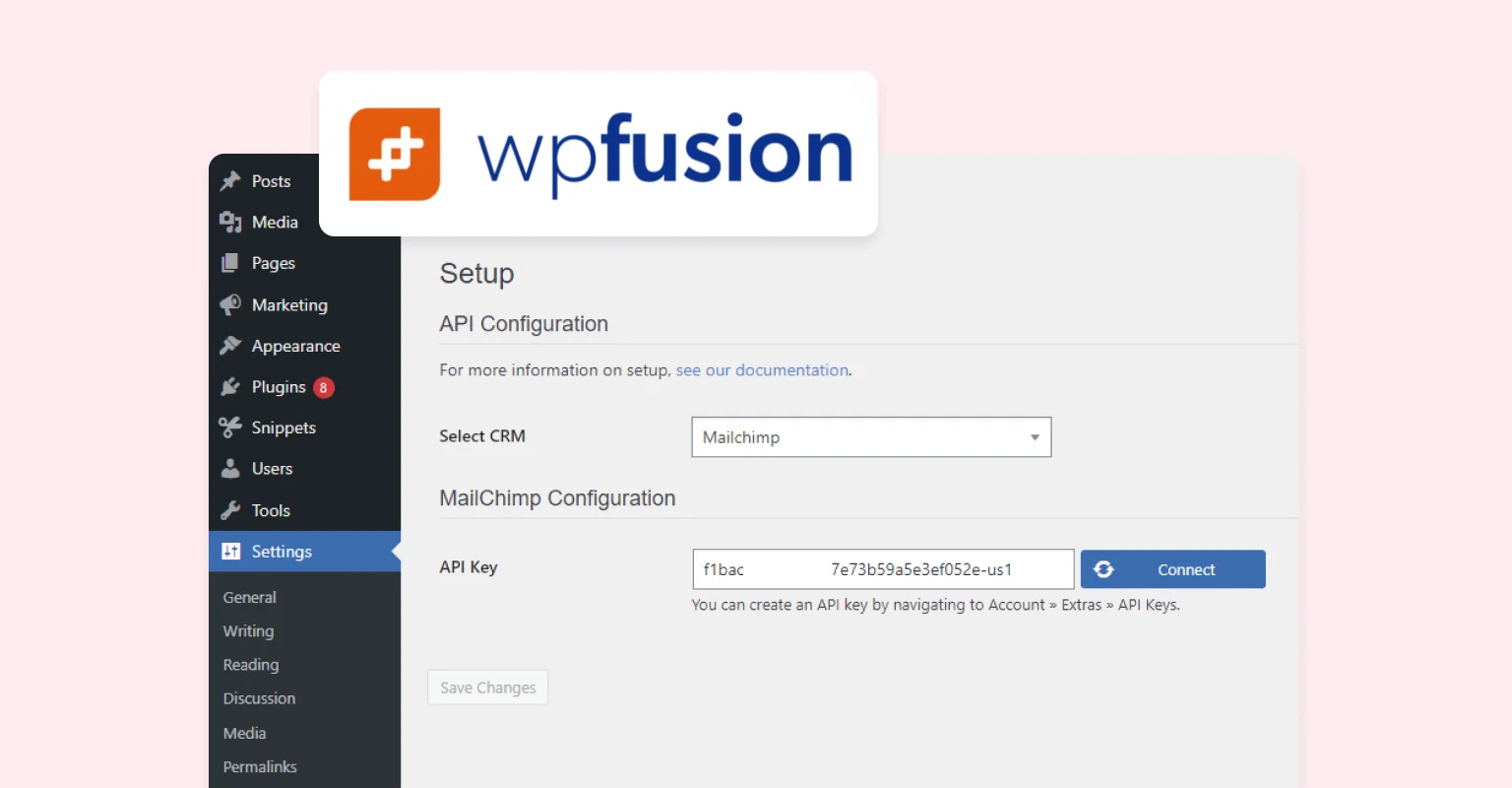
Sync your appointment bookings with over 50 CRMs and marketing platforms using WP Fusion.
Google Calendar Synchronization
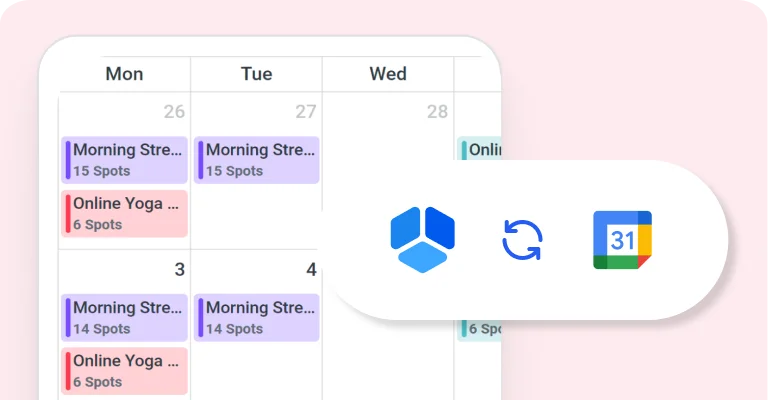
Google Calendar is a time-management and scheduling calendar service developed by Google. It allows users to create and edit events.

Native Zoom integration
In a few clicks, you can connect your Zoom account with our appointment booking solutions. Now your customers can book online appointments and events, and get a link to access them in the notification.

Google Meet integration
Let your customers schedule online virtual meetings and book online events while getting instant confirmation and access links in the notifications for Google meet.
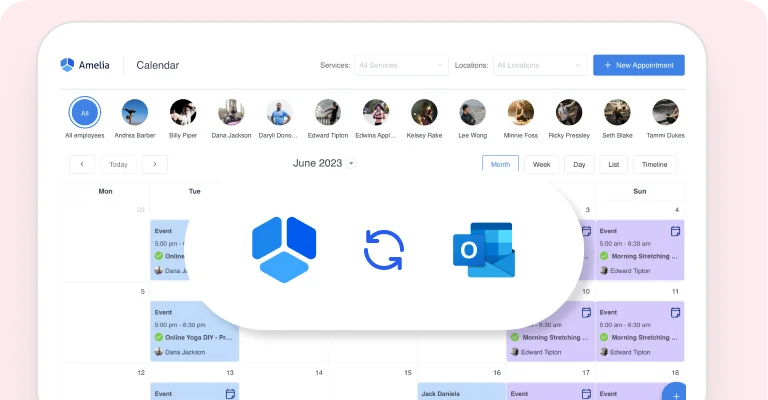
Outlook Calendar Synchronisation
Employees can connect their Outlook calendar to sync appointments booking and events with availability from their calendar.
Web Hooks
Connect our appointment booking solutions with third party applications and send appointments and events data after each booking, canceling and/or rescheduling action.
MyCred Integration
The MyCred integration with our appointment booking solutions enables customers to use gathered myCred points to book appointments or events, enhancing their booking experience.
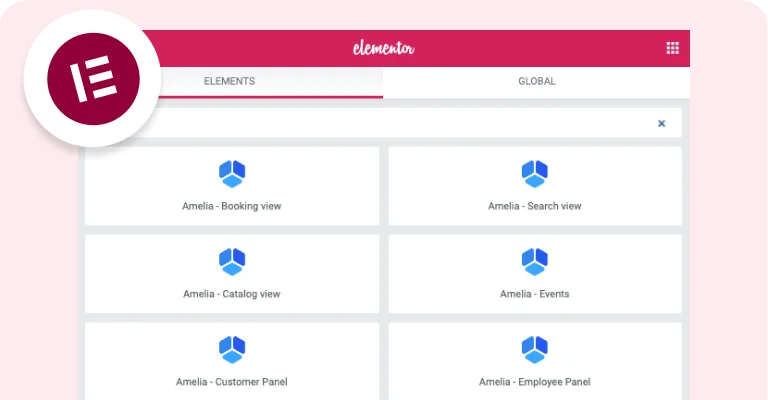
Elementor Integration
The "Elementor" integration seamlessly combines our appointment booking solutions with the popular page builder, allowing users to effortlessly create visually stunning website pages and easily add the booking form using Elementor's drag-and-drop interface.
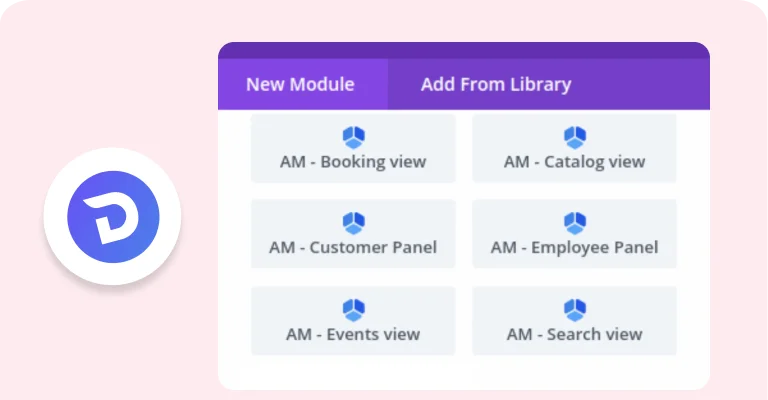
Divi Integration
Our appointment booking solutions integration with Divi enables effortless incorporation of Amelia's booking form using Divi builder modules.
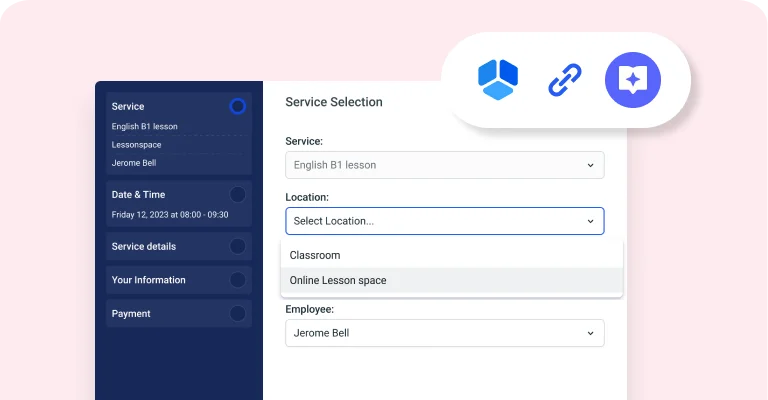
Lessonspace integration
Use our appointment booking solutions integration with Lesson space to easily create online classrooms for each booked appointment or created event in appointment booking.

BuddyBoss Integration
Integrate our appointment booking solutions with BuddyBoss for effortless booking and appointment management within BuddyBoss profiles.
Facebook Pixel Integraiton
The Facebook pixel integration in the appointment booking solutions allows you to track visitor activity, monitor conversions, and optimize your marketing efforts for enhanced website performance.

Google Analytics Integration
Track visitor activity, monitor conversions, and analyze marketing performance with Google Analytics integration in our appointment booking solutions, providing valuable insights and data.
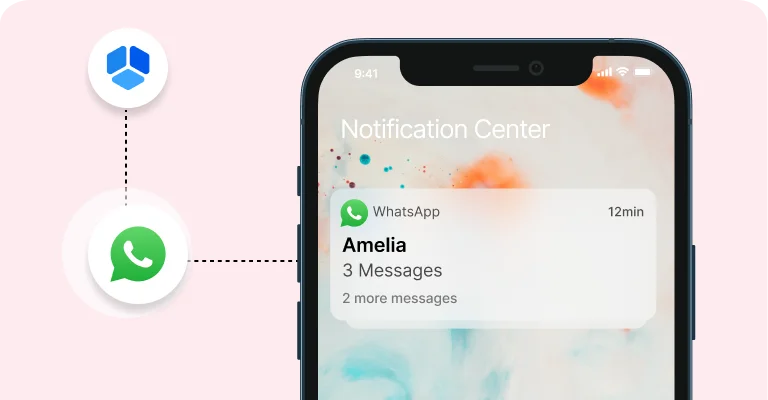
WhatsApp integration
WhatsApp integration allows you to send your customers and employees notifications about upcoming appointments and events through WhatsApp.
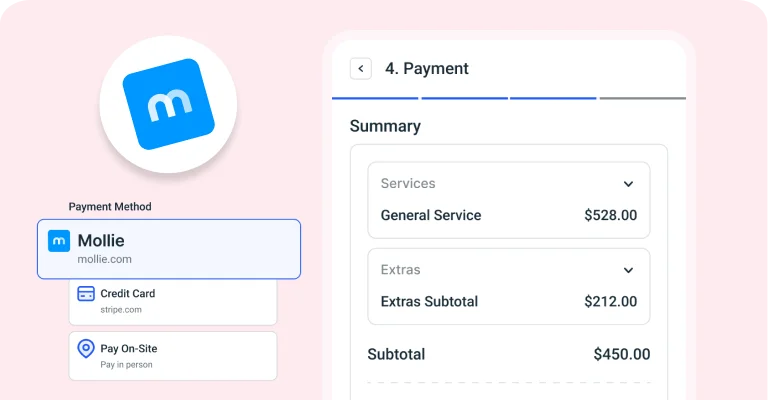
Mollie payment gateways
Accept customer payments online at the moment of booking. Choose the payment gateway you wish with our out-of-the-box integrations with Mollie.
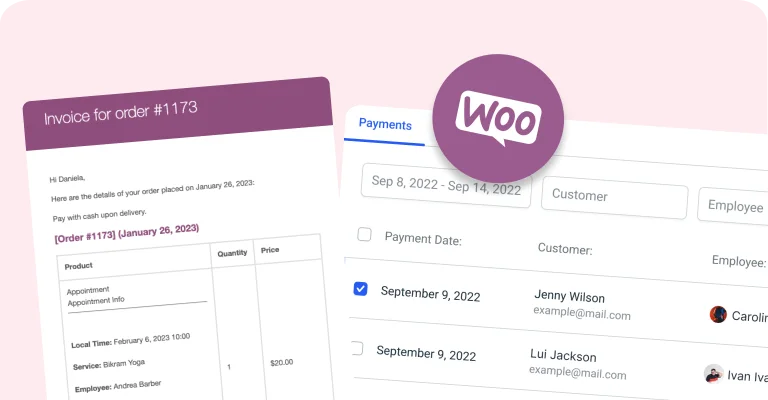
WooCommerce integration
Take care of all your payments, taxes and invoices by using native WooCommerce integration.
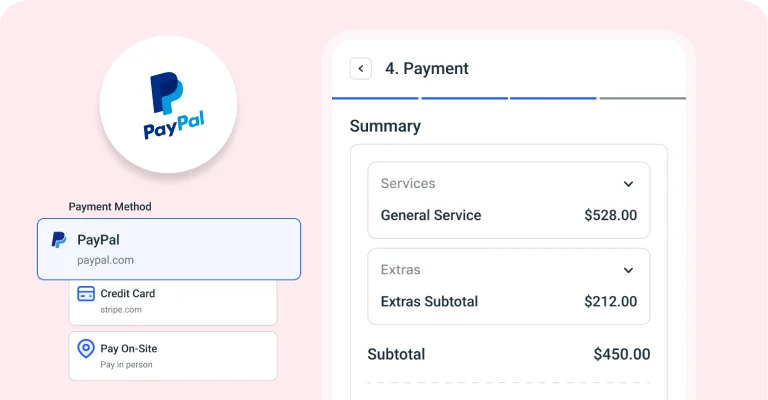
PayPal payment system
The most popular payment system in the world supported out-of-the-box.
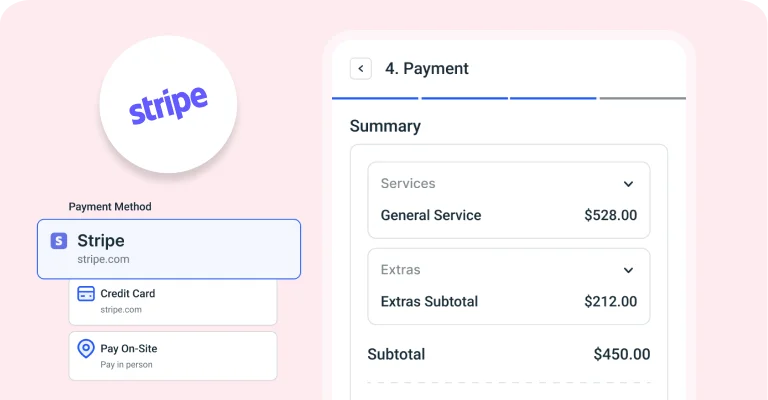
Stripe payment system
Allow your customers to pay for their reservations via Stripe payment system.
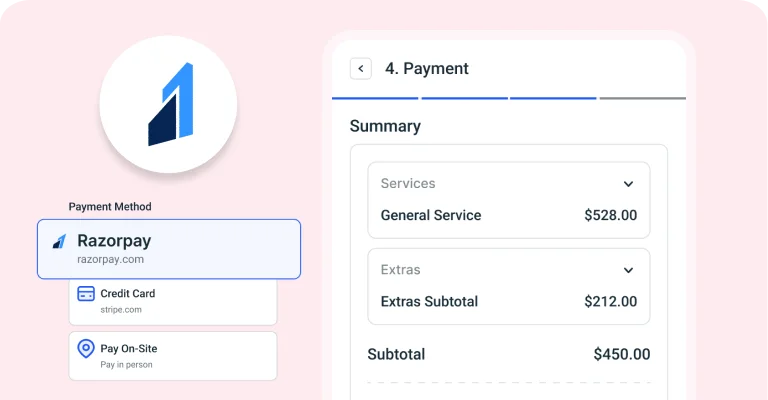
Razorpay
By incorporating RazorPay as a payment method in our appointment booking solutions, you can offer your customers a secure and seamless payment experience.

Microsoft Teams Integration
Enable your customers to schedule online virtual meetings and book events effortlessly, with instant confirmation and access links provided in the notifications for Microsoft Teams.

Bit Integrations
Automate and sync your appointment bookings with over 200 popular tools and platforms using Bit Integrations.
Mailchimp integration
Sync customer details with your Mailchimp lists to run targeted email campaigns and stay connected with your clients effortlessly.
Barion Payment integration
Offer your customers a secure and fast checkout experience with Barion.